Secure Single Sign-On (SSO) in CH-OPS
Simplifying Authentication with Google, Keycloak, and Okta
Modern organizations rely on centralized identity providers to manage authentication securely. Instead of creating and maintaining separate usernames and passwords for every application, users expect to access applications using their existing organizational accounts.
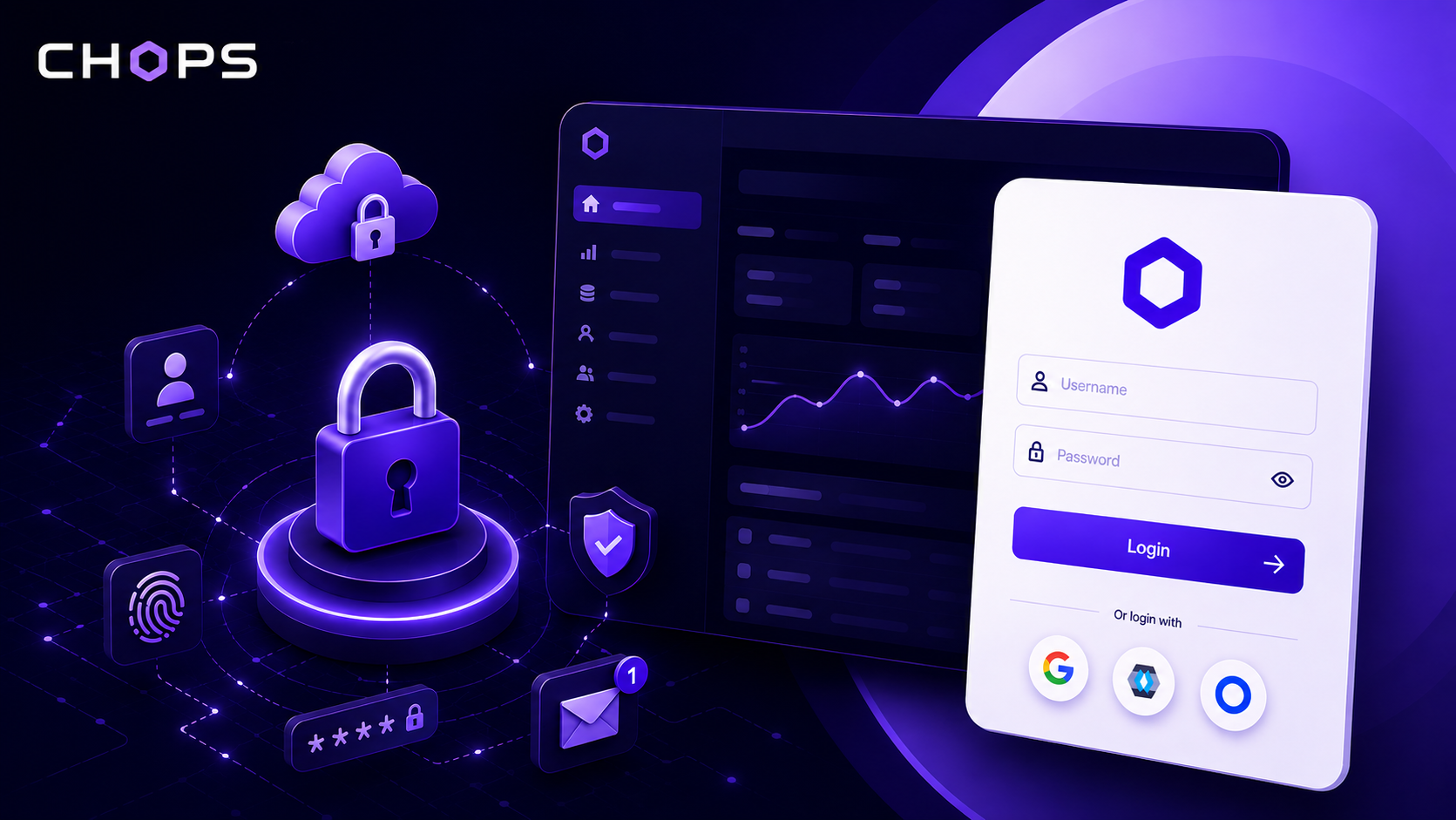
To provide a seamless and secure authentication experience, CH-OPS supports Single Sign-On (SSO) with multiple identity providers:
- Keycloak
- Okta
With SSO, CH-OPS delegates user authentication to trusted identity providers while maintaining control over which users are authorized to access the application.
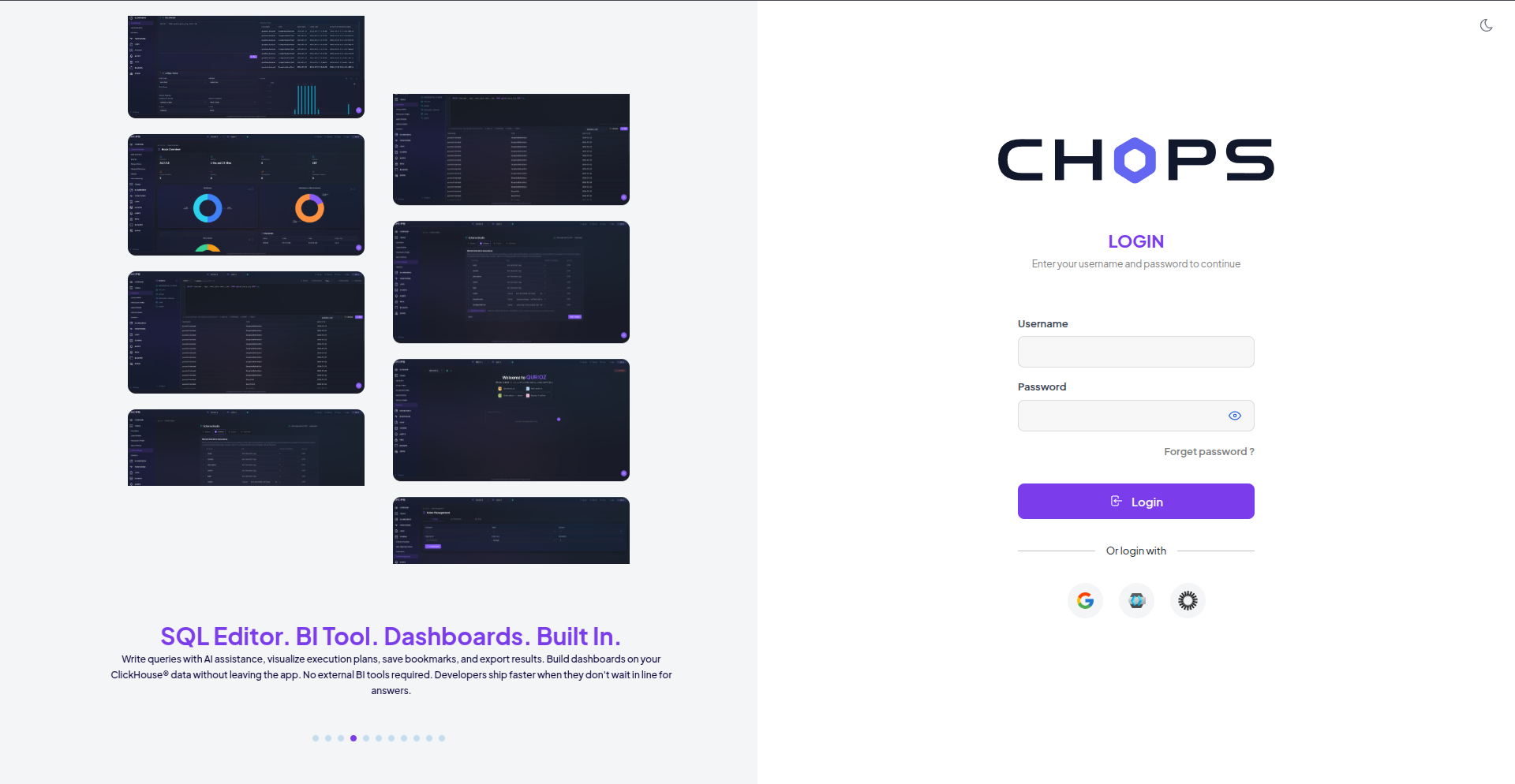
What is Single Sign-On (SSO)?
Single Sign-On (SSO) is an authentication mechanism that allows users to authenticate through an external identity provider and access an application without creating or managing a separate password for that application.
Instead of CH-OPS directly handling user credentials, authentication is delegated to an identity provider such as Google, Keycloak, or Okta.
Benefits
- Stronger security
- Reduced password fatigue
- Centralized identity management
- Faster login experience
- Easier onboarding and offboarding
- Support for enterprise security policies such as MFA
- Integration with existing organizational identity infrastructure
SSO Providers Supported by CH-OPS
CH-OPS currently supports three identity providers through OpenID Connect (OIDC).
Google authentication allows users to authenticate using their Google or Google Workspace accounts.
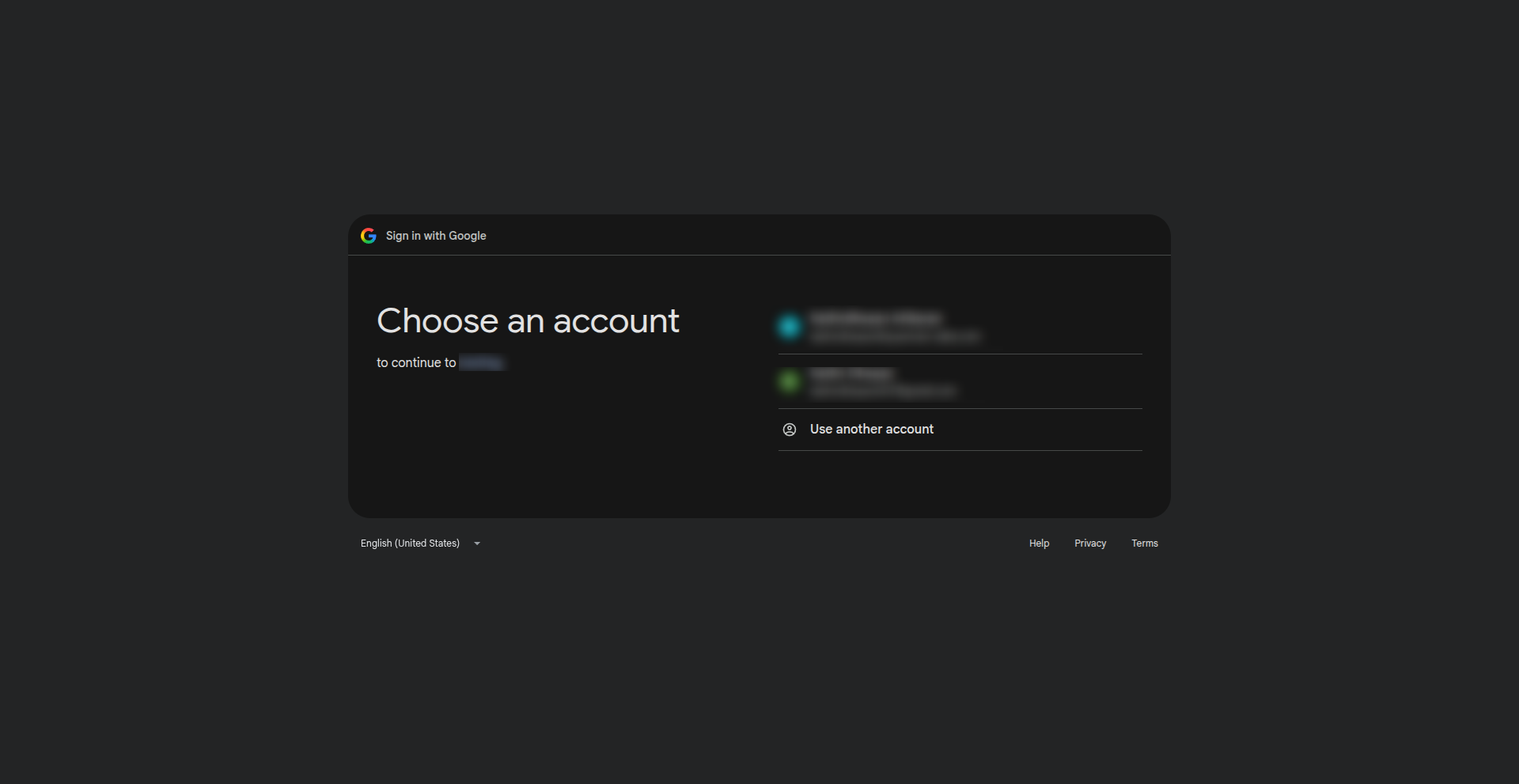
Google SSO provides:
- Familiar login experience
- OAuth 2.0 and OpenID Connect support
- Secure identity verification
- Google Workspace integration
- Provider-managed authentication and security policies
It is particularly useful for organizations already using Google Workspace.
Keycloak
Keycloak is an open-source Identity and Access Management (IAM) platform commonly used in enterprise and self-hosted environments.
CH-OPS integrates with Keycloak to support organizations that already manage their users through their own identity infrastructure.
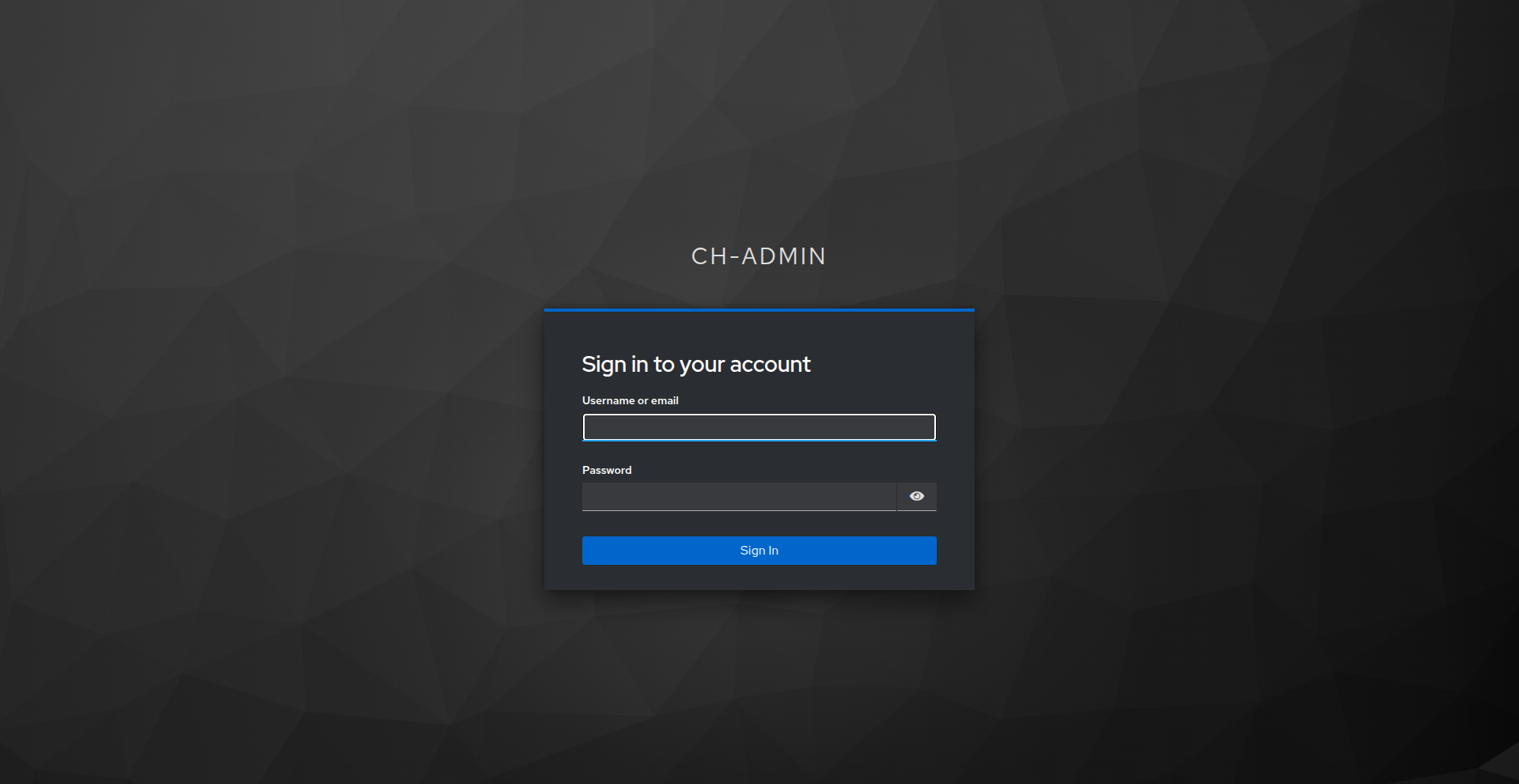
Keycloak provides capabilities such as:
- Centralized user management
- Role-based access control
- Multi-factor authentication
- LDAP and Active Directory integration
- Custom identity providers
- Enterprise authentication policies
Organizations using Keycloak can integrate CH-OPS without introducing another authentication system.
Okta
Okta is an enterprise identity platform that provides centralized authentication and identity management.
CH-OPS can use an organization's existing Okta environment to authenticate users.
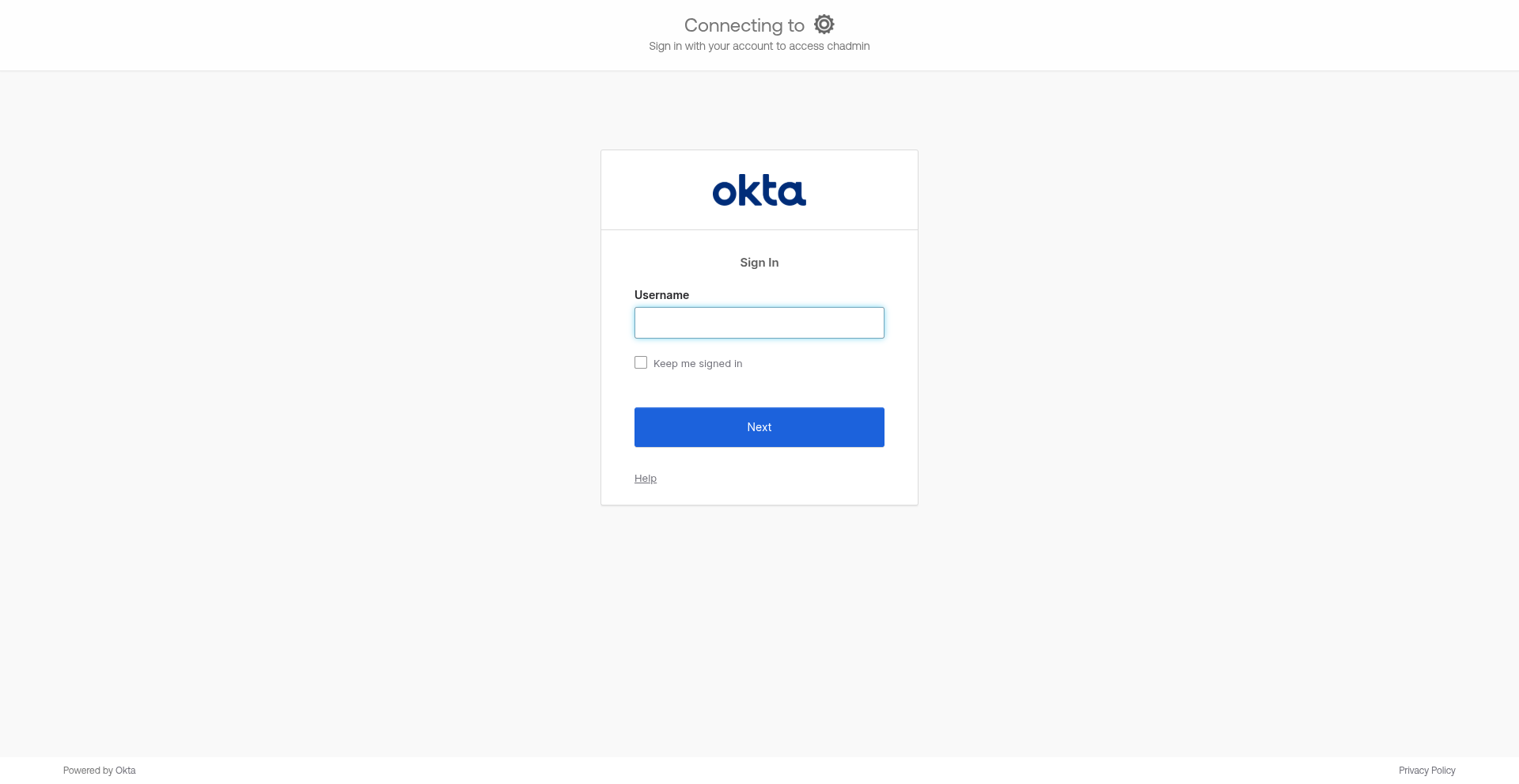
Okta provides features such as:
- Enterprise-grade authentication
- Single Sign-On across applications
- Multi-factor authentication
- Centralized user administration
- Identity lifecycle management
- Enterprise security policies
This makes Okta a suitable choice for organizations that already use Okta as their identity provider.
How SSO Authentication Works in CH-OPS
The CH-OPS SSO implementation uses OpenID Connect (OIDC) to communicate with external identity providers.
The important part of the implementation is that authentication and authorization are treated as separate concerns.
The identity provider verifies who the user is, while CH-OPS verifies whether that user is allowed to access the application.
Authentication Flow
User
  │
  ▼
CH-OPS Login Page
  │
  │ Click SSO Button
  ▼
CH-OPS Authentication
  │
  ▼
Identity Provider
(Google / Keycloak / Okta)
  │
  │ OpenID Connect
  ▼
CH-OPS Callback
  │
  ▼
Get User Identity
  │
  ▼
Find User by Email
  │
  ├── User Found ──────► Create Session
  │                         │
  │                         ▼
  │                   CH-OPS Dashboard
  │
  └── User Not Found ──► Access Denied
Let's look at each step.
1. User Selects an SSO Provider
The CH-OPS login page provides SSO options for the supported identity providers.
The user can choose:
┌──────────────────────────────┐
│          CH-OPS Login        │
│                              │
│  Continue with Google        │
│  Continue with Keycloak      │
│  Continue with Okta          │
│                              │
└──────────────────────────────┘
The user selects the identity provider they want to use.
2. CH-OPS Initiates Authentication
When the user clicks an SSO button, CH-OPS initiates the authentication process for the selected provider.
The application determines which identity provider was selected and starts the corresponding OpenID Connect authentication flow.
Conceptually, CH-OPS uses a provider-specific login route:
/:provider/loginFor example:
/google/login
/keycloak/login
/okta/login
This allows CH-OPS to maintain a common authentication process while supporting multiple identity providers.
3. Redirect to the Identity Provider
After receiving the login request, CH-OPS initiates the OpenID Connect authentication flow.
The user is redirected from CH-OPS to the selected identity provider.
CH-OPS
   │
   │ Authorization Request
   ▼
Google / Keycloak / Okta
The identity provider is responsible for authenticating the user.
CH-OPS does not ask the user for their identity-provider password.
The user completes authentication using the provider's existing login mechanism.
If the organization has additional security policies such as MFA, those policies can also be enforced by the identity provider.
4. Identity Provider Returns the User Information
After successful authentication, the identity provider sends the authorization response back to CH-OPS.
Using OpenID Connect, CH-OPS can obtain the authenticated user's identity information.
The identity information can contain details such as:
User Identity
├── Subject / User ID
├── Email
├── Name
└── Other Identity Claims
CH-OPS then validates the identity information received from the provider.
5. CH-OPS Checks the User in the Database
This is an important part of the CH-OPS architecture.
Authentication through the identity provider does not automatically mean that the user is authorized to use CH-OPS.
After receiving the user's identity, CH-OPS checks the application's database using the user's email address.
Conceptually:
Identity Provider
       │
       ▼
User Identity
       │
       ▼
CH-OPS Database
       │
       ▼
Find User by Email
The result determines whether the user is allowed to access CH-OPS.
User Exists
If the email exists in the CH-OPS database:
Identity Provider
       │
       ▼
User Identity
       │
       ▼
CH-OPS Database
       │
       ▼
User Found
       │
       ▼
Continue Authentication
Authentication continues and the user can access CH-OPS.
User Does Not Exist
If the email does not exist:
Identity Provider
       │
       ▼
User Identity
       │
       ▼
CH-OPS Database
       │
       ▼
User Not Found
       │
       ▼
Access Denied
CH-OPS returns a User Not Found response.
The application does not automatically create a new user account.
This provides an additional authorization layer and prevents any user with a valid Google, Keycloak, or Okta account from automatically gaining access to CH-OPS.
6. Session Creation and Callback
When the user is successfully found in the CH-OPS database, the authentication process continues.
CH-OPS establishes the authenticated session and redirects the user to the configured callback URL.
The final flow looks like:
SSO Provider
     │
     ▼
OIDC Response
     │
     ▼
Validate Identity
     │
     ▼
Check Email in DB
     │
     ├── Not Found
     │      │
     │      ▼
     │   Access Denied
     │
     └── Found
            │
            ▼
       Create Session
            │
            ▼
        Callback URL
            │
            ▼
       CH-OPS Dashboard
The user can now access CH-OPS without having a separate CH-OPS password.
Authentication Flow Summary
The complete CH-OPS authentication process can be summarized as:
User
  ↓
SSO Button
  ↓
CH-OPS Authentication
  ↓
Identity Provider
  ↓
OpenID Connect
  ↓
Identity Validation
  ↓
Email Lookup
  ↓
CH-OPS Database
  ↓
Create Session
  ↓
Callback URL
  ↓
CH-OPS Dashboard
If the user does not exist in the database:
User
  ↓
SSO Button
  ↓
CH-OPS Authentication
  ↓
Identity Provider
  ↓
OpenID Connect
  ↓
Email Lookup
  ↓
User Not Found
  ↓
Access Denied
This design gives CH-OPS both external identity verification and application-level access control.
Authentication vs Authorization
One of the important concepts in the CH-OPS SSO implementation is the separation between authentication and authorization.
Authentication
The identity provider answers:
Who is this user?
Google, Keycloak, or Okta authenticates the user and provides the user's identity information through OpenID Connect.
Authorization
CH-OPS answers:
Is this user allowed to access CH-OPS?
CH-OPS checks the user's email against its own database.
Therefore, having a valid Google, Keycloak, or Okta account does not automatically grant access to CH-OPS.
The user must also exist in the CH-OPS database.
Security Features
Security is a primary focus of the CH-OPS authentication architecture.
OpenID Connect
CH-OPS uses the OpenID Connect protocol for standardized identity authentication.
OAuth 2.0
The authentication flow is based on OAuth 2.0 authorization mechanisms.
Provider-Side Password Management
CH-OPS does not directly handle or store passwords for Google, Keycloak, or Okta users.
Token Validation
Identity information received from the provider is validated before the application continues authentication.
HTTPS
Communication between CH-OPS and identity providers should use HTTPS to protect authentication data during transit.
Application-Level Authorization
Even after successful authentication, CH-OPS checks whether the user exists in its database before granting access.
Multi-Factor Authentication
Organizations can use MFA configured at their identity provider, allowing CH-OPS to benefit from the provider's authentication security policies.
Why Support Multiple SSO Providers?
Different organizations use different identity platforms.
By supporting multiple providers, CH-OPS can integrate into existing authentication environments without forcing organizations to change their identity infrastructure.
| Organization Type | Recommended Provider |
|---|---|
| Google Workspace | |
| Open-source / Self-hosted infrastructure | Keycloak |
| Enterprise identity management | Okta |
This flexibility allows CH-OPS to support different organizational environments while maintaining a consistent application-level authentication flow.
The User Experience
From the user's perspective, the authentication process is simple.
The user opens the CH-OPS login page, selects their organization's preferred SSO provider, completes authentication with that provider, and is redirected back to CH-OPS.
If the user is already registered in CH-OPS, they can immediately access the application.
There is no need to create or remember another password.
Behind this simple experience, CH-OPS performs several security checks:
Choose Provider
      ↓
Authenticate
      ↓
Validate Identity
      ↓
Check CH-OPS User
      ↓
Create Session
      ↓
Access Application
The result is a login experience that is both simple for users and controlled by the application.
Conclusion
Authentication should be secure, reliable, and effortless.
CH-OPS achieves this by integrating with Google, Keycloak, and Okta using OpenID Connect.
The architecture delegates user authentication to trusted identity providers while keeping application-level authorization under the control of CH-OPS.
The key principle is simple:
The identity provider verifies the user's identity; CH-OPS verifies whether that user is authorized to access the application.
When a user clicks an SSO button, CH-OPS initiates the authentication process, communicates with the selected identity provider through OpenID Connect, retrieves the user's identity, and checks the user's email against the CH-OPS database.
If the user exists, CH-OPS establishes the session and redirects the user to the callback URL. If the user does not exist, access is denied with a User Not Found response.
This approach provides CH-OPS with a flexible, secure, and centralized authentication mechanism while allowing organizations to continue using the identity infrastructure they already trust.