CH-Ops is a lightweight clickhouse® admin tool designed to make clickhouse® administration easier without making the underlying deployment more complicated.
When we started building CH-Ops, we wanted to create a management layer that could sit beside clickhouse® rather than become another component inside it. That principle led to two important architectural decisions: CH-Ops communicates with clickhouse® through its existing HTTP interface, and the application can be compiled and shipped as a single executable.
Those two decisions - HTTP and a single binary - are more connected than they might initially appear. Together, they define how lightweight CH-Ops can be to deploy and operate.
They give CH-Ops a small operational footprint while still allowing it to provide a substantial administration surface.
The Architecture
At a high level, CH-Ops looks like this:
                         Browser
                            |
                            | HTTP
                            v
                    +----------------+
                    |     CH-Ops     |
                    |                |
                    | React frontend |
                    | Express API    |
                    | SQLite state   |
                    +-------+--------+
                            |
                            | HTTP / HTTPS
                            v
                  +---------------------+
                  |      clickhouse®     |
                  |                     |
                  |  Node 1   Node 2   |
                  |  Node 3   ...      |
                  +---------------------+
CH-Ops is a separate management application.
The clickhouse® cluster remains the database.
That separation is intentional.
We wanted the cost of adopting CH-Ops to look roughly like this:
Install CH-Ops somewhere
        |
        v
Give it persistent storage
        |
        v
Give it network access
        |
        v
Point it at clickhouse®
Not this:
Install CH-Ops
      |
      +---- Install agent on Node 1
      |
      +---- Install agent on Node 2
      |
      +---- Install agent on Node 3
      |
      +---- Configure every agent
      |
      +---- Upgrade every agent
      |
      +---- Monitor every agent
That distinction is what we mean by lightweight.
It is not primarily about how many features CH-Ops has.
It is about how many things you have to install, coordinate, and operate.
Why HTTP?
clickhouse® already exposes an HTTP interface.
The standard HTTP interface commonly listens on port 8123, while the native protocol commonly uses port 9000. SQL can be sent directly over HTTP:
curl "http://localhost:8123/" \
  --data-binary "SELECT version()"
That gives an application a straightforward way to communicate with clickhouse® without implementing the native TCP protocol.
For CH-Ops, that is a useful boundary.
We are building an administration application. Our job is to inspect system tables, execute SQL, monitor queries, inspect replication and cluster state, manage users and grants, and expose operational information through a browser.
We don't need CH-Ops to become another component inside the clickhouse® server.
We need a reliable way to communicate with it.
HTTP provides that interface.
HTTP Is Not a Shortcut
It is worth being precise here.
Choosing HTTP does not mean we think the clickhouse® native protocol is inferior.
It isn't.
There are workloads where the native protocol is exactly what an application should use.
Our decision was based on the requirements of an administration application.
HTTP gives us a standard network boundary that fits naturally into infrastructure people already operate:
- reverse proxies
- load balancers
- ingress controllers
- TLS termination
- Kubernetes networking
- firewalls
- monitoring systems
That doesn't automatically make HTTP faster.
It makes it operationally convenient.
For an administration UI, that trade-off is valuable.
The Biggest Benefit: No Agent on clickhouse®
This is probably the most important architectural decision in CH-Ops.
There is no CH-Ops process that needs to run on every clickhouse® node.
Consider an agent-based design:
CH-Ops
  |
  +---- Agent on Node 1
  |
  +---- Agent on Node 2
  |
  +---- Agent on Node 3
That immediately creates another operational system.
Every clickhouse® node now has to maintain:
clickhouse® CH-Ops Agent
The agent needs its own:
- binary
- configuration
- permissions
- upgrade process
- logs
- health checks
- network rules
And if the cluster grows from three nodes to thirty, the operational footprint of that architecture grows with it.
CH-Ops takes a different approach:
                 CH-Ops
                   |
              HTTP / HTTPS
                   |
        +----------+----------+
        |          |          |
     Node 1     Node 2     Node 3
   clickhouse®  clickhouse®  clickhouse®
The clickhouse® nodes don't need to know that CH-Ops exists.
They simply expose the interfaces clickhouse® already provides.
This keeps the management plane separate from the database itself.
Why Not Use the Native Protocol?
The native clickhouse® protocol has advantages, and there are good reasons for applications to use it.
But CH-Ops isn't a high-throughput analytical client.
It is an administration application.
Its workload looks more like:
- Inspect system tables
- Execute administrative SQL
- Monitor queries
- Inspect merges and mutations
- Check replication
- Inspect distributed DDL
- Manage users
- Run EXPLAIN
- Build dashboards
For these operations, the HTTP interface gives us an appropriate transport without requiring CH-Ops to introduce another protocol dependency into the clickhouse® deployment.
There's also a broader infrastructure advantage.
HTTP is something almost every modern infrastructure stack already understands.
That means CH-Ops can fit behind existing network boundaries rather than requiring administrators to introduce a special connectivity path just for the management application.
HTTP Still Has Protocol Semantics
Using HTTP doesn't eliminate clickhouse®-specific behavior.
For example, an HTTP 200 OK does not necessarily mean that a clickhouse® query ultimately succeeded. Headers can be sent before the complete result is available, meaning an error can appear later in the response body.
clickhouse® documents mechanisms such as wait_end_of_query=1 for handling this behavior.
This is an important distinction.
We aren't treating HTTP as “simple because it is HTTP.”
A serious clickhouse® client still needs to correctly handle:
- authentication
- query parameters
- response formats
- streaming
- compression
- timeouts
- large result sets
- HTTPS
- clickhouse®-specific settings
- query errors
The advantage is that all of those concerns remain at the network boundary.
CH-Ops doesn't need to be installed inside the clickhouse® servers to deal with them.
The Other Half: One Binary
The second major design decision is on the CH-Ops side.
CH-Ops has a React frontend and an Express backend, running on Bun.
In development, those are naturally separate pieces.
For production, we can compile the application into a single executable.
Conceptually:
React source
     |
     | vite build
     v
  dist/
     |
     +-------------------+
                         |
Express backend ---------+
                         |
                         | bun build --compile
                         v
                  +--------------+
                  |    CH-Ops    |
                  |    binary    |
                  +--------------+
The frontend is built into dist/.
That output, together with the backend and its dependencies, is bundled into the compiled executable.
The result is a much simpler deployment artifact.
Instead of needing to separately install a JavaScript runtime, application dependencies, backend source, and frontend assets, the production application can be represented by one executable.
Server
├── chops
├── .env
└── data/
    └── chops.db
That is a meaningful operational simplification.
Single Binary Does Not Mean Zero State
There is an important nuance here.
A single executable does not mean CH-Ops has no external requirements.
CH-Ops still needs:
- an operating system
- network connectivity
- persistent storage
- configuration
- secrets
- access to clickhouse®
CH-Ops also maintains its own application state in SQLite.
That state includes things such as cluster definitions, users, dashboards, and alerts.
So the more accurate model is:
CH-Ops binary
     +
configuration
     +
persistent application state
     +
network access
The benefit of the compiled binary is that the application runtime and application code don't need to be assembled on the target machine.
That is the useful property.
Why SQLite Belongs in the Picture
We deliberately keep CH-Ops' own state separate from clickhouse®.
Conceptually:
              CH-Ops
                |
       +--------+--------+
       |                 |
       v                 v
    SQLite           clickhouse®
       |                 |
 CH-Ops state        User's data
SQLite stores state belonging to the management application.
clickhouse® remains the database being managed.
This separation has a few useful consequences.
CH-Ops doesn't need to create a special database inside clickhouse® just to remember its own configuration.
It doesn't need to modify the clickhouse® data model to maintain application state.
And the CH-Ops state can move with the CH-Ops deployment.
The application remains self-contained.
One Binary Does Not Mean One Deployment Model
Some environments prefer to run applications directly.
Others standardize on containers.
We don't want the architecture to force one answer.
The single executable works in both models:
              CH-Ops binary
                   |
          +--------+--------+
          |                 |
          v                 v
     Run directly       Container
A container can still provide isolation, resource limits, orchestration, and deployment consistency.
The difference is that the container isn't needed simply to provide Node.js, install npm dependencies, or assemble the frontend and backend.
It becomes a packaging and isolation mechanism rather than a prerequisite for running the application.
Why Bundle the Frontend?
CH-Ops is a browser application, so there are naturally two sides:
- Frontend
- Backend
Those can be deployed independently.
But they don't have to be.
We build the React application and package the resulting assets into the compiled application.
That gives us a production architecture like this:
Browser
   |
   v
+----------------------+
|       CH-Ops         |
|                      |
| React static assets  |
| Express API          |
| Bun runtime          |
+----------+-----------+
           |
           | HTTP / HTTPS
           v
      clickhouse®
One application serves the UI and API.
One port exposes it.
One artifact represents the application version.
That makes upgrades and deployments considerably simpler.
Kubernetes Reinforces the Same Architecture
The separation becomes particularly interesting when CH-Ops is used with Kubernetes-managed clickhouse® clusters.
In that environment, CH-Ops can interact with the Kubernetes API to discover information about the cluster while separately communicating with clickhouse® to execute queries and retrieve database information.
The architecture becomes:
                         +----------+
                         |  Browser |
                         +----+-----+
                              |
                              v
                         +---------+
                         | CH-Ops  |
                         +----+----+
                              |
                 +------------+------------+
                 |                         |
                 v                         v
          Kubernetes API              clickhouse® HTTP
                 |                         |
                 v                         v
          Cluster metadata            Database nodes
Again, CH-Ops doesn't need to live inside the clickhouse® cluster to manage it.
It can interact with the control plane and the database through their existing interfaces.
That is exactly the separation we wanted.
Lightweight Doesn't Mean Limited
This distinction is important.
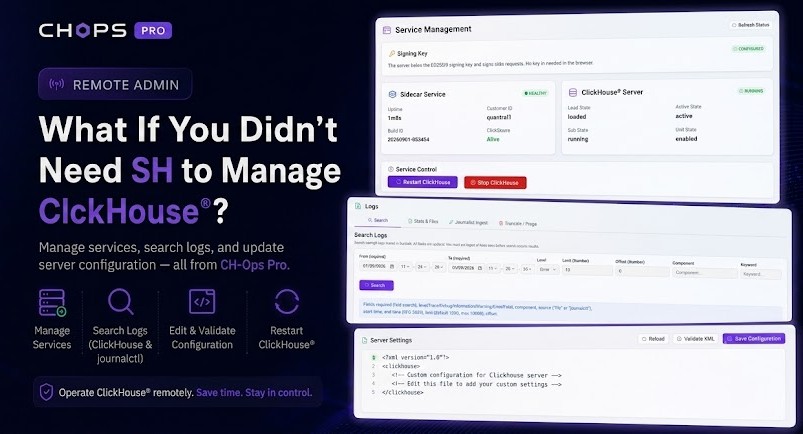
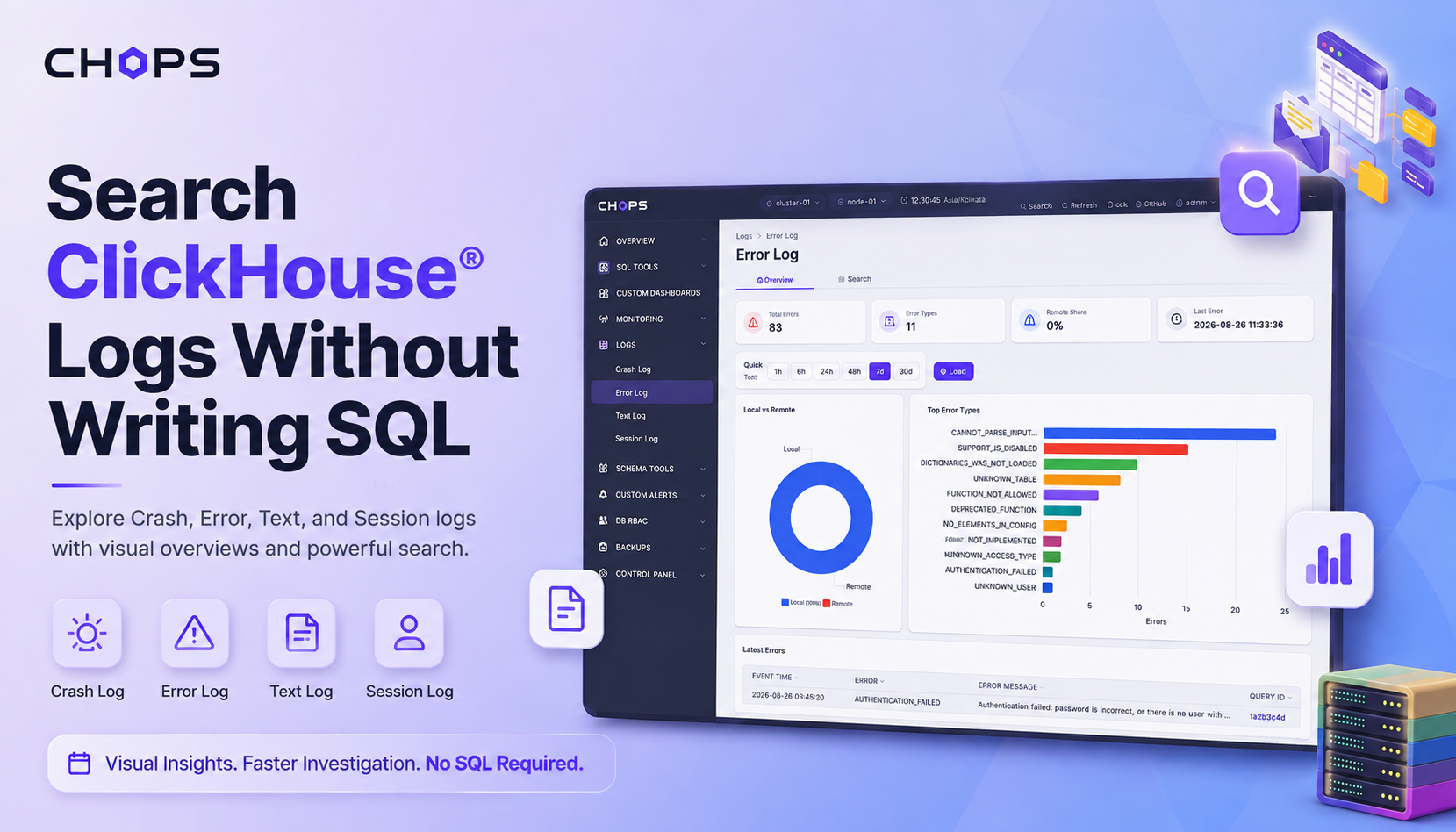
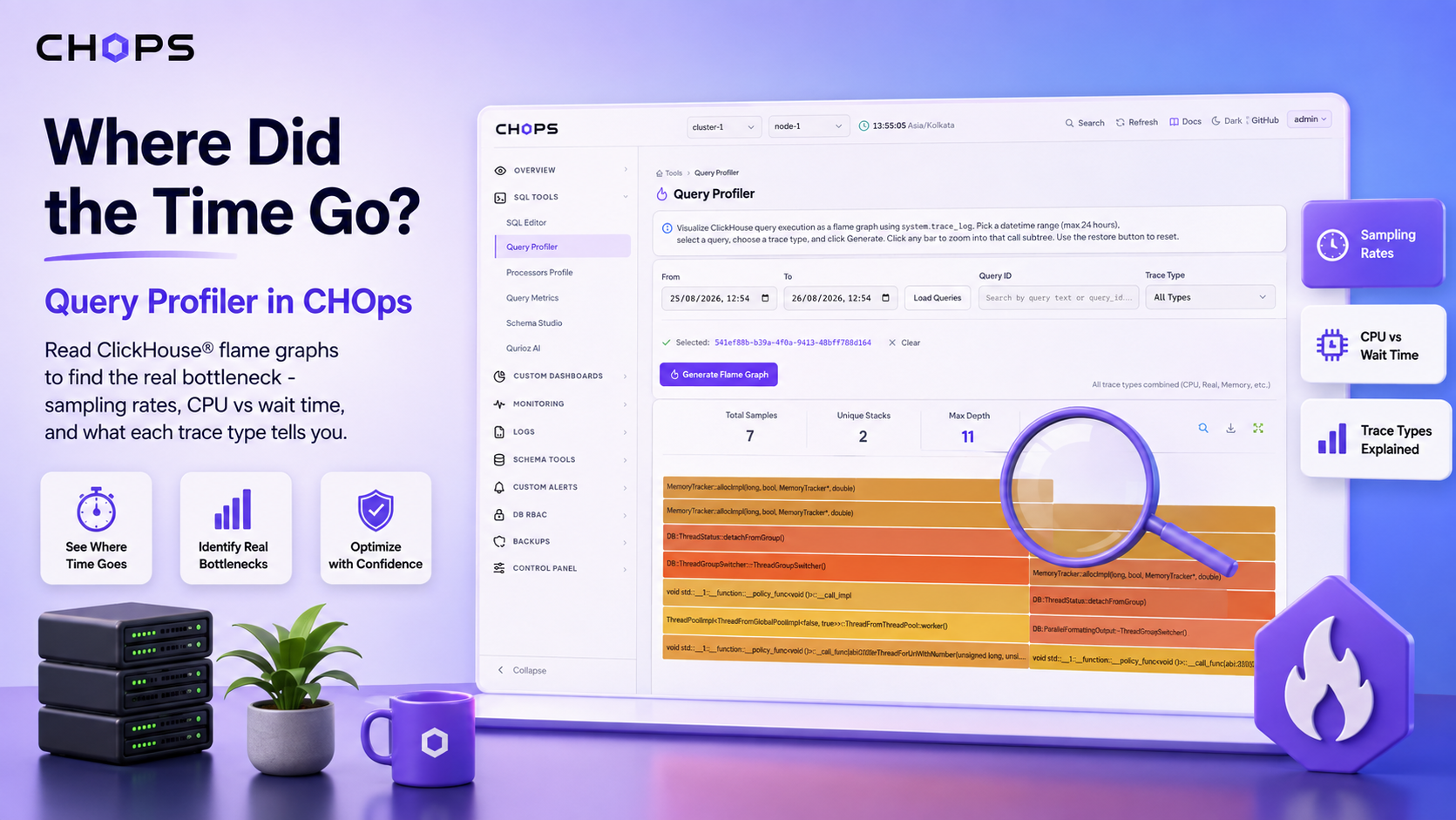
CH-Ops can provide functionality such as:
- live query monitoring
- query history
- merges and mutations
- replication information
- distributed DDL
- SQL editing
- EXPLAIN
- query profiling
- dashboards
- exports
- user and role management
- backups and restores
- Kubernetes insights
None of that requires installing a CH-Ops agent across the clickhouse® cluster.
So “lightweight” isn't a statement about functionality.
It is a statement about operational coupling.
A management application can have a substantial feature set while still being easy to deploy if it doesn't require itself to be distributed throughout the infrastructure it manages.
The Design Principle
This is ultimately why we made these choices.
HTTP keeps the clickhouse® integration at the network boundary.
The single executable keeps the CH-Ops application deployment at the executable boundary.
SQLite keeps CH-Ops' own state separate from clickhouse®.
Together, they produce a clean separation:
             Management plane
          +---------------------+
          |       CH-Ops         |
          | UI + API + state     |
          +----------+-----------+
                     |
                  HTTP/S
                     |
          +----------v----------+
          |    clickhouse®       |
          |      cluster        |
          +---------------------+
              Data plane
CH-Ops can be upgraded independently.
clickhouse® can be upgraded independently.
The clickhouse® nodes don't need a CH-Ops installation.
The CH-Ops server doesn't need a clickhouse® installation.
And the management application doesn't need to become part of the database itself.
That's the architecture we wanted.
The Trade-offs Are Real
This design isn't universally better.
The native clickhouse® protocol remains valuable for applications that need its specific capabilities and performance characteristics.
A single binary doesn't eliminate configuration, persistent state, networking, or secrets.
SQLite isn't intended to replace a full production database for every possible application workload.
And when Kubernetes integration is involved, CH-Ops still needs appropriate network access to the Kubernetes API and clickhouse®.
Lightweight doesn't mean infrastructure-free.
It means the infrastructure boundary is deliberately small.
The Real Meaning of Lightweight
When we started building CH-Ops, we didn't want to create another system that administrators had to distribute across every clickhouse® node.
We wanted to build a management layer that could sit beside clickhouse® rather than inside it.
That led naturally to two decisions:
-
Use the interface clickhouse® already provides.
-
Package the management application into the smallest practical deployment artifact.
HTTP gives CH-Ops a clean network boundary.
The compiled executable gives CH-Ops a clean deployment boundary.
SQLite keeps the application's state independent.
And the absence of agents keeps the clickhouse® cluster untouched.
So the real architecture is surprisingly simple:
Install CH-Ops somewhere
        |
        v
Give it persistent storage
        |
        v
Give it network access
        |
        v
Point it at clickhouse®
No CH-Ops agent to distribute across the cluster.
No separate frontend service required for the production build.
No Node.js installation required on the target machine for the compiled binary.
No requirement for CH-Ops to become part of the clickhouse® server.
That is what lightweight by design means to us.
Not fewer features.
Not fewer lines of code.
Fewer things that have to be installed, coordinated, and operated.