1. The problem
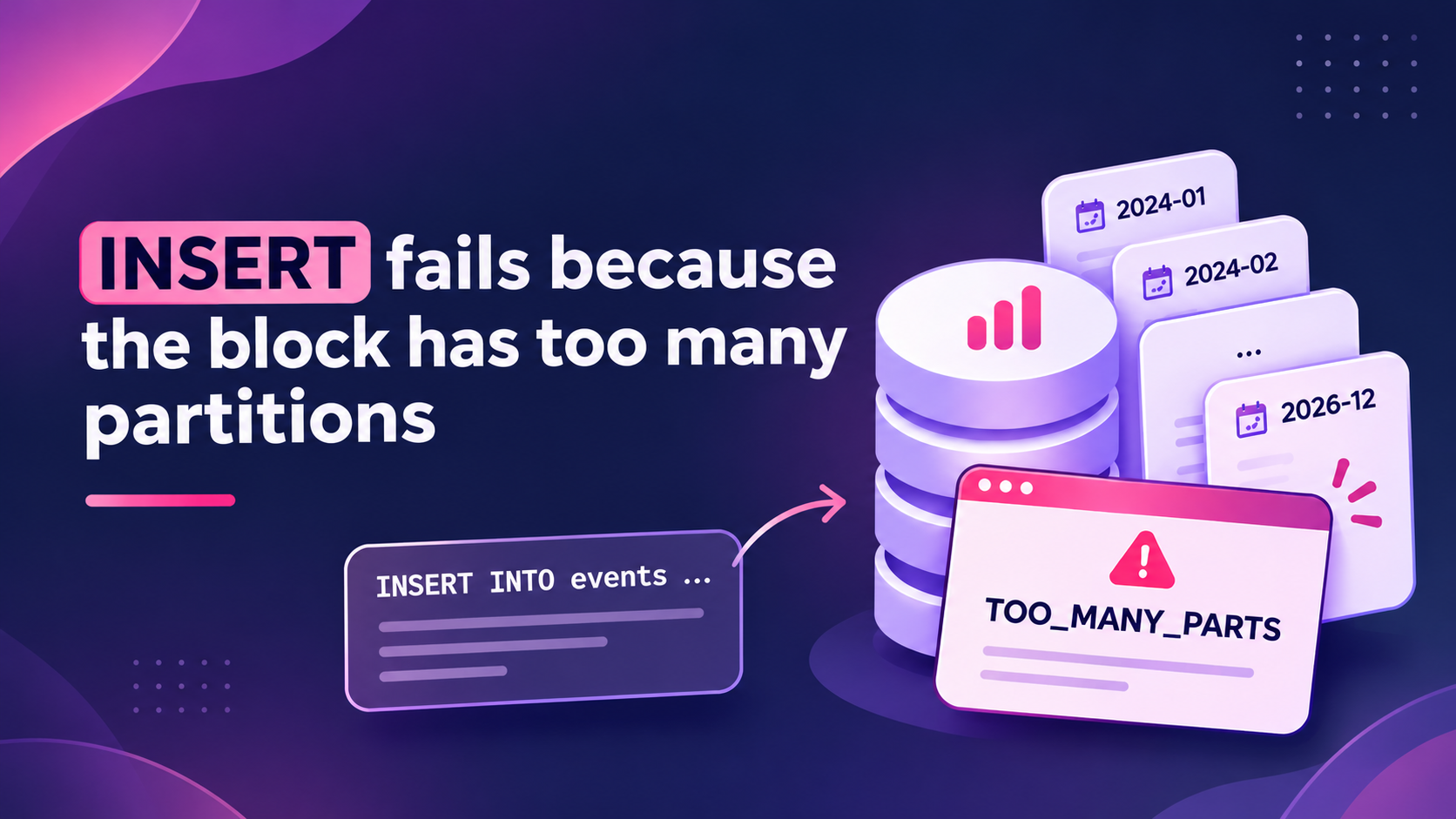
An INSERT query in ClickHouse® can fail with the error TOO_MANY_PARTS when its input block contains too many distinct partitions.
For example, consider a table partitioned by month:
CREATE TABLE events
(
    event_time DateTime,
    event_id UInt64
)
ENGINE = MergeTree
PARTITION BY toYYYYMM(event_time)
ORDER BY event_time;
This table creates one partition for each month. This is a common partitioning strategy for time-series data.
Now consider inserting historical data that covers several years. The input can contain more than 100 distinct monthly partitions. ClickHouse checks the number of partitions in each inserted block. The default limit is 100. The INSERT fails when a block exceeds this limit.
You may see an error similar to this:
DB::Exception: Too many partitions for single INSERT block (more than 100).
The limit is controlled by 'max_partitions_per_insert_block' setting. (TOO_MANY_PARTS)
The failure is fast and clear. The INSERT stops before it writes data. This is a protection, not a bug.
2. Why it happens
ClickHouse uses partitions to divide table data into separate groups. The PARTITION BY expression determines which partition receives each row.
For example:
PARTITION BY toYYYYMM(event_time)This expression groups rows by month. If an INSERT contains data from January, February and March, ClickHouse writes data into three partitions.
However, a poorly chosen partition key can create too many partitions.
Consider these examples:
Partitioning by day
PARTITION BY toDate(event_time)A historical backfill covering several years can contain thousands of daily partitions.
Partitioning by user ID
PARTITION BY user_idIf the table receives data from thousands of users, one INSERT can affect thousands of partitions.
Both designs create unnecessary partition overhead.
ClickHouse checks the number of partitions in each inserted block. If this number exceeds max_partitions_per_insert_block, ClickHouse throws an exception by default.
3. How to confirm
First, inspect the table definition. Check the PARTITION BY expression and identify the columns used to create partitions.
Run:
SHOW CREATE TABLE events;Next, check the current session setting:
SELECT
    name,
    value,
    changed
FROM system.settings
WHERE name IN
(
    'max_partitions_per_insert_block',
    'throw_on_max_partitions_per_insert_block'
);
The expected defaults are:
max_partitions_per_insert_block: 100throw_on_max_partitions_per_insert_block: 1 (true)
Defaults can differ between releases. Check the values on your own server.
Now inspect the incoming data before inserting it.
Assume the source table is staging.events and the target table uses monthly partitions.
SELECT
    count() AS partition_count
FROM
(
    SELECT DISTINCT
        toYYYYMM(event_time) AS partition_id
    FROM staging.events
    WHERE event_time >= '2024-01-01 00:00:00'
      AND event_time < '2026-01-01 00:00:00'
);
This query counts the distinct monthly partition IDs in the selected input data. If the result is greater than 100, the complete input range spans more partitions than the default threshold.
Important: This query counts partitions across the selected source range. An INSERT SELECT can produce multiple blocks. ClickHouse checks each inserted block separately. Therefore, the total count is a useful upper-bound diagnostic, not proof that every individual block exceeds the limit.
You can also inspect existing partitions:
SELECT
    partition,
    count() AS active_parts,
    sum(rows) AS total_rows
FROM system.parts
WHERE database = 'analytics'
  AND table = 'events'
  AND active = 1
GROUP BY partition
ORDER BY partition;
4. The settings
Two session settings control this behavior.
| Setting | Default | What it controls | Restart needed |
|---|---|---|---|
max_partitions_per_insert_block | 100 | Maximum number of distinct partitions in one inserted block. | No |
throw_on_max_partitions_per_insert_block | true | Throws an exception when the limit is exceeded. If false, ClickHouse logs a warning instead. | No |
Both settings are session settings. You can set them in a settings profile, with SET, or with the SETTINGS clause of one query.
5. How to fix it
Choose the solution based on the actual partitioning problem.
Fix 1: Change the partition key
First, review whether the current partition key creates unnecessary partitions.
For example, avoid partitioning by individual user IDs when the application stores data for many users.
Instead, consider monthly partitioning:
PARTITION BY toYYYYMM(event_time)This groups the data by month rather than creating a separate partition for every user.
Keep the sorting key separate from the partition key. The partition key supports data management. The sorting key supports efficient data access. Changing the partition key requires a new table design and a data migration. Plan the migration before applying it to production.
Fix 2: Split the INSERT by partition
For a large historical load, insert the data in smaller date ranges.
For example, insert historical data one month at a time.
INSERT INTO analytics.events
SELECT *
FROM staging.events
WHERE event_time >= '2024-01-01 00:00:00'
  AND event_time < '2024-02-01 00:00:00';
Run the same operation for each month.
This approach reduces the number of partitions affected by each insert. It also makes backfill progress easier to monitor.
Fix 3: Increase the limit for a one-time backfill
Sometimes the partition key is correct, but a large historical backfill must cover more than 100 partitions.
In this case, increase the limit only for that operation.
First, inspect the number of partitions in the input data. Then choose a limit that covers the required workload.
For a one-time session:
SET max_partitions_per_insert_block = 200;Now run the historical INSERT.
Alternatively, apply the setting directly to one INSERT:
INSERT INTO analytics.events
SETTINGS max_partitions_per_insert_block = 200
SELECT
    event_time,
    user_id,
    event_type
FROM staging.events
WHERE event_time >= '2024-01-01 00:00:00'
  AND event_time < '2026-01-01 00:00:00';
The value 200 is an example. Choose a value based on the actual partition count and available resources.
The query-level setting limits the change to that INSERT. It does not change the default for other sessions.
After the backfill, normal queries continue using their configured limits.
Understand warning-only behavior
You can also set:
SET throw_on_max_partitions_per_insert_block = 0;ClickHouse logs a warning instead of rejecting an insert when the partition threshold is reached.
Use this option only when you need to observe the impact of the threshold.
It does not reduce the number of partitions or remove the performance overhead. Do not use it as a permanent production fix.
6. How to verify the fix
After applying the change, run the INSERT again.
Check the result and confirm that the query completed without the partition-limit exception.
Next, inspect the active partitions:
SELECT
    partition,
    count() AS active_parts,
    sum(rows) AS total_rows
FROM system.parts
WHERE database = 'analytics'
  AND table = 'events'
  AND active = 1
GROUP BY partition
ORDER BY partition;
Check the following points:
- Confirm that the expected partitions received data.
- Confirm that the inserted row count matches the source data.
- Check the number of active parts in each partition.
- Confirm that the insert did not create an excessive number of parts.
- Check that normal production queries still perform well.
For a historical backfill, also verify that every batch completed.
Do not treat a successful INSERT as proof of a good partition design. Review the resulting partition count and part distribution.
7. Risks and trade-offs
Increasing max_partitions_per_insert_block can allow an insert to complete. However, it does not solve a poor partitioning design.
A high value can create many parts across many partitions. This increases metadata operations and background merge work. It can also increase disk usage and affect query performance.
A large partition count can cause:
- Slower INSERT operations.
- More background merge tasks.
- Increased metadata overhead.
- Slower server startup.
- Slower SELECT operations.
Disabling the exception through throw_on_max_partitions_per_insert_block = false also removes an important safety check. The server will accept the insert and log a warning. The underlying partition overhead remains.
Use a higher limit only for a planned backfill. Return to the normal limit for regular ingestion. If inserts also create too many small parts, investigate the insert frequency and batching strategy. Increasing the partition limit will not solve that problem.
8. Summary
max_partitions_per_insert_blocklimits the number of partitions in one inserted block. Its default is 100.- Check the partition key and count distinct partitions in the incoming data before inserting.
- Prefer a suitable partition key over increasing the limit.
- Split historical backfills by partition when possible.
- Increase the limit only for a one-time backfill and monitor the resulting parts.