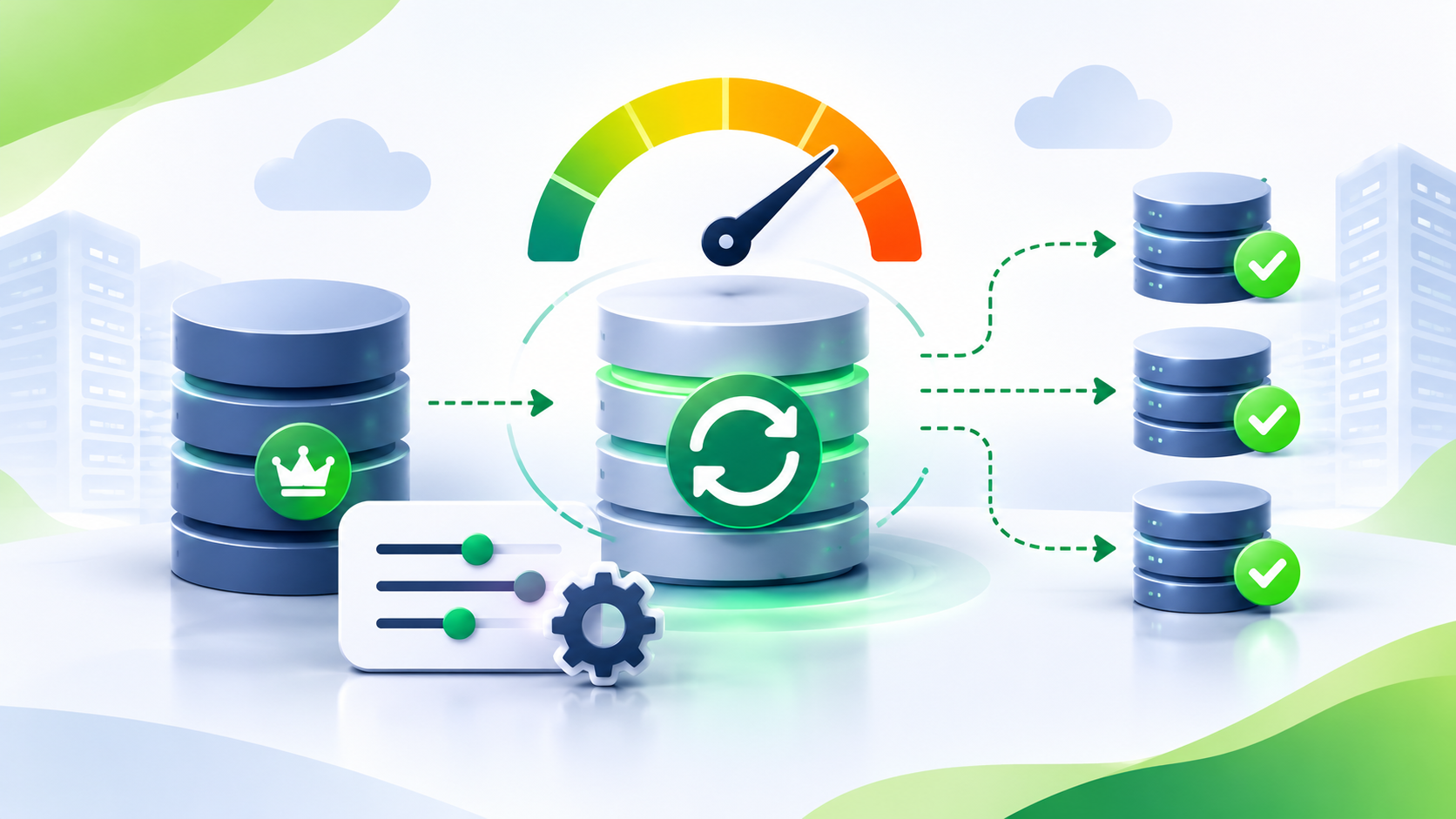
Large queries can fill a ClickHouse data disk even when the table data does not grow. This can happen during a GROUP BY, ORDER BY, or JOIN operation.
ClickHouse can use temporary files when a query needs more memory than the available limits allow. These files help the query complete without keeping all intermediate data in memory. However, temporary files also consume disk space.
If the temporary data uses the same disk as your table data, a large query can affect the entire server. It can cause disk pressure, failed queries, and problems with other workloads.
This article explains how to identify temporary disk usage and move temporary data to a separate disk. It also explains how to limit temporary disk usage at the server level.
1. The problem
A ClickHouse server can run out of disk space during a large query. The query might read a large table, group millions of rows, sort data, or join two large datasets.
For example, a query like this can require a large amount of intermediate data:
SELECT
    customer_id,
    sum(amount) AS total_amount
FROM sales
GROUP BY customer_id
ORDER BY total_amount DESC;
The query can use memory and disk while it processes the data. When ClickHouse cannot keep all intermediate data in memory, it can use external processing.
This means the query can write temporary data to disk. If several large queries run at the same time, their temporary files can consume a significant amount of disk space.
The issue is not always table storage. Temporary query data can be the cause of disk pressure.
2. Why it happens
ClickHouse supports external processing for several operations. These operations can write intermediate data to temporary files.
External aggregation
A GROUP BY operation collects rows for each group. The aggregation state can use a large amount of memory when the query processes many groups.
ClickHouse can use external aggregation when the aggregation data exceeds the available memory thresholds. It writes intermediate aggregation data to disk and reads it later.
External sorting
An ORDER BY operation sorts rows. A large sort can exceed the memory available for the query.
ClickHouse can use external sorting. It writes sorted blocks to temporary files and merges them to produce the final result.
JOIN operations
A JOIN can require memory to build and process join data. Some JOIN execution strategies can use temporary data on disk.
The exact behavior depends on the join algorithm, query settings, and available memory.
Where temporary data goes
ClickHouse stores temporary query data in its configured temporary storage. By default, the server uses the following path:
/var/lib/clickhouse/tmp/
This path is inside the ClickHouse data directory in a typical installation. Therefore, temporary files can compete with table data, merges, and other operations for disk space.
You can configure a separate location for temporary data. This allows you to use a different disk for temporary query files.
3. How to confirm
First, check the disk usage on the server. Identify the filesystem that contains the ClickHouse data directory.
For example, run this command on the server:
df -h
Check the filesystem that contains /var/lib/clickhouse/. Look for a high usage percentage or low available space.
You can also check the temporary directory directly:
du -sh /var/lib/clickhouse/tmp/
This command reports the directory size at the time of execution. It does not show the complete history of temporary disk usage.
Check temporary file metrics
ClickHouse exposes temporary file metrics through system.metrics. You can use these metrics to check temporary files created by aggregation, sorting, and JOIN operations.
Run this query:
SELECT
    metric,
    value
FROM system.metrics
WHERE metric IN
(
    'TemporaryFilesForAggregation',
    'TemporaryFilesForSort',
    'TemporaryFilesForJoin'
);
The metric names above are verified against ClickHouse source. [VERIFY] their availability on your target release.
These metrics indicate the number of temporary files associated with each operation. They are not disk usage measurements in bytes.
TemporaryFilesForAggregationtracks temporary files for external aggregation.TemporaryFilesForSorttracks temporary files for external sorting.TemporaryFilesForJointracks temporary files created for JOIN operations.
If these metrics increase during a query, the query is creating temporary files for the corresponding operation.
Use the filesystem checks to measure disk consumption. Use the metrics to identify the operation that creates temporary files.
4. The settings
ClickHouse provides server-level settings to control the location and amount of temporary data on disk.
These settings apply to the full server. You configure them in config.xml or files inside config.d/.
| Setting | Default | What it controls | Restart needed |
|---|---|---|---|
tmp_path | /var/lib/clickhouse/tmp/ | Path on the local filesystem for temporary query data. | Yes |
tmp_policy | Empty ('') | Storage policy used for temporary data. | Yes |
max_temporary_data_on_disk_size | 0 (unlimited) | Server-wide limit for temporary data used by external aggregation, JOINs, and sorting. | Yes |
Defaults are based on the supplied master-branch reference. [VERIFY] these values against your installed ClickHouse version.
tmp_path
This setting defines the local filesystem path for temporary query data.
The default is:
<tmp_path>/var/lib/clickhouse/tmp/</tmp_path>
The path must end with a trailing slash. ClickHouse uses this path when no alternative temporary storage configuration is active.
tmp_policy
This setting selects a storage policy for temporary query data. The policy must exist under storage_configuration.
You can use this setting to place temporary data on a separate disk. This can reduce competition between temporary files and table data.
When you set tmp_policy, ClickHouse uses the selected policy instead of tmp_path.
The policy must contain exactly one volume. ClickHouse does not support multiple volumes in the temporary storage policy.
max_temporary_data_on_disk_size
This setting limits the total amount of temporary data on disk for external aggregation, JOINs, and sorting.
The default is 0. This means no server-wide limit.
If temporary data exceeds the configured limit, ClickHouse can fail the query with an exception. The limit helps protect the server against excessive temporary disk usage.
You can also check the settings on your own server.
SELECT
    name,
    value,
    default
FROM system.server_settings
WHERE name IN
(
    'tmp_path',
    'tmp_policy',
    'max_temporary_data_on_disk_size'
);
The system.server_settings table helps you check server-level configuration and defaults. Verify the available columns and setting names on your release.
5. How to fix it
The recommended approach is to use a separate disk for temporary data and set a server-wide limit.
This approach gives temporary query files a dedicated storage location. It also prevents temporary data from growing without a server-wide limit.
Step 1: Create a temporary storage policy
Assume your server has a separate disk mounted at /mnt/clickhouse-tmp/. Configure this disk in ClickHouse storage configuration.
Create the file:
/etc/clickhouse-server/config.d/temporary-storage.xml
Use the following configuration:
<clickhouse>
    <storage_configuration>
        <disks>
            <temporary_disk>
                <path>/mnt/clickhouse-tmp/</path>
            </temporary_disk>
        </disks>

        <policies>
            <temporary_data_policy>
                <volumes>
                    <main>
                        <disk>temporary_disk</disk>
                    </main>
                </volumes>
            </temporary_data_policy>
        </policies>
    </storage_configuration>

    <tmp_policy>temporary_data_policy</tmp_policy>
</clickhouse>
This configuration defines a disk named temporary_disk. It also defines a storage policy named temporary_data_policy.
The policy uses one volume and one disk. ClickHouse will use this policy for temporary query data.
The example assumes the mount point exists and ClickHouse has permission to write to it. Check the mount point and permissions before restarting the server.
Step 2: Set the server-wide temporary data limit
Create another configuration file:
/etc/clickhouse-server/config.d/temporary-data-limit.xml
For example, use a limit of 100 GiB:
<clickhouse>
    <max_temporary_data_on_disk_size>107374182400</max_temporary_data_on_disk_size>
</clickhouse>
The value is in bytes.
100 GiB = 107,374,182,400 bytes.
This value is an example, not a universal recommendation. Select the limit based on available disk capacity, query patterns, and concurrent workload.
Do not set the limit to the full capacity of the temporary disk. Leave space for filesystem overhead and other processes.
Step 3: Restart ClickHouse
Both configuration changes require a restart.
Restart the server after you create both configuration files.
sudo systemctl restart clickhouse-server
Check the service status after the restart.
sudo systemctl status clickhouse-server
If the service fails to start, inspect the ClickHouse server log. Check the configuration syntax, disk mount, permissions, and storage policy.
Per-query and per-user caps
ClickHouse also supports temporary disk limits for queries and users.
These settings are separate from the server-wide setting:
max_temporary_data_on_disk_size_for_querylimits temporary data for concurrently running queries.max_temporary_data_on_disk_size_for_userlimits temporary data for concurrently running user queries.
These settings are query-level settings. You can configure them through user profiles or apply them through query settings, depending on your requirements and configuration.
For example, you can check their defaults and values on your server:
SELECT
    name,
    value,
    default
FROM system.settings
WHERE name IN
(
    'max_temporary_data_on_disk_size_for_query',
    'max_temporary_data_on_disk_size_for_user'
);
Use per-query limits to protect individual workloads. Use per-user limits to control the temporary disk consumption of users. Use the server-wide limit to protect the server as a whole.
6. How to verify the fix
After the restart, confirm that ClickHouse uses the new temporary storage policy.
Run the following query:
SELECT
    name,
    value,
    default
FROM system.server_settings
WHERE name IN
(
    'tmp_path',
    'tmp_policy',
    'max_temporary_data_on_disk_size'
);
Check that tmp_policy returns temporary_data_policy. Also check that the server-wide limit has the expected value.
Next, run a workload that previously generated temporary files. Monitor the temporary disk during query execution.
watch -n 2 df -h /mnt/clickhouse-tmp/
You can also monitor the temporary directory:
watch -n 2 du -sh /mnt/clickhouse-tmp/
Run the system.metrics query from the confirmation section again. Check whether the temporary file metrics increase during the workload.
If the query uses external aggregation, sorting, or JOIN processing, you should see the relevant metrics change when temporary files are created.
After the query completes, check the disk usage again. Temporary files should be cleaned up after their query operations finish. However, do not rely on cleanup to protect the disk while queries are running.
Finally, check the ClickHouse logs for temporary data limit errors. Confirm that your test workload completes without unexpected failures.
7. Risks and trade-offs
Moving temporary data to a separate disk can reduce disk pressure on the main data filesystem. However, it does not remove the resource cost of large queries.
Disk capacity
A separate disk can still fill up. Multiple large queries can consume temporary disk space at the same time.
Plan the capacity based on your concurrent workload. Monitor the temporary disk as you monitor your main data disk.
Performance
External aggregation, sorting, and JOIN processing can require additional disk reads and writes.
A separate disk can help when the main disk is under pressure. However, the temporary disk can also become a bottleneck.
Disk performance, concurrent queries, and the amount of intermediate data can affect query execution time.
Temporary data limits
A server-wide cap that is too low can cause large queries to fail.
For example, a query might need 40 GiB of temporary data to complete. If the server-wide cap is 20 GiB, the query might fail when it exceeds the limit.
Set limits based on actual workload requirements. Test large queries before applying limits in production.
Query memory is still important
Moving temporary data to another disk does not solve every memory problem.
A query can still consume excessive RAM, run slowly, or fail because of memory limits. External processing can reduce memory pressure, but it can also increase disk I/O.
8. Summary
- Large
GROUP BY,ORDER BY, andJOINoperations can create temporary files on disk. - Use
system.metricsand filesystem commands to identify temporary disk usage. - Use
tmp_policyto move temporary data to a separate disk. - Use
max_temporary_data_on_disk_sizeto set a server-wide temporary disk limit. - Set limits carefully. Limits that are too low can cause large queries to fail.