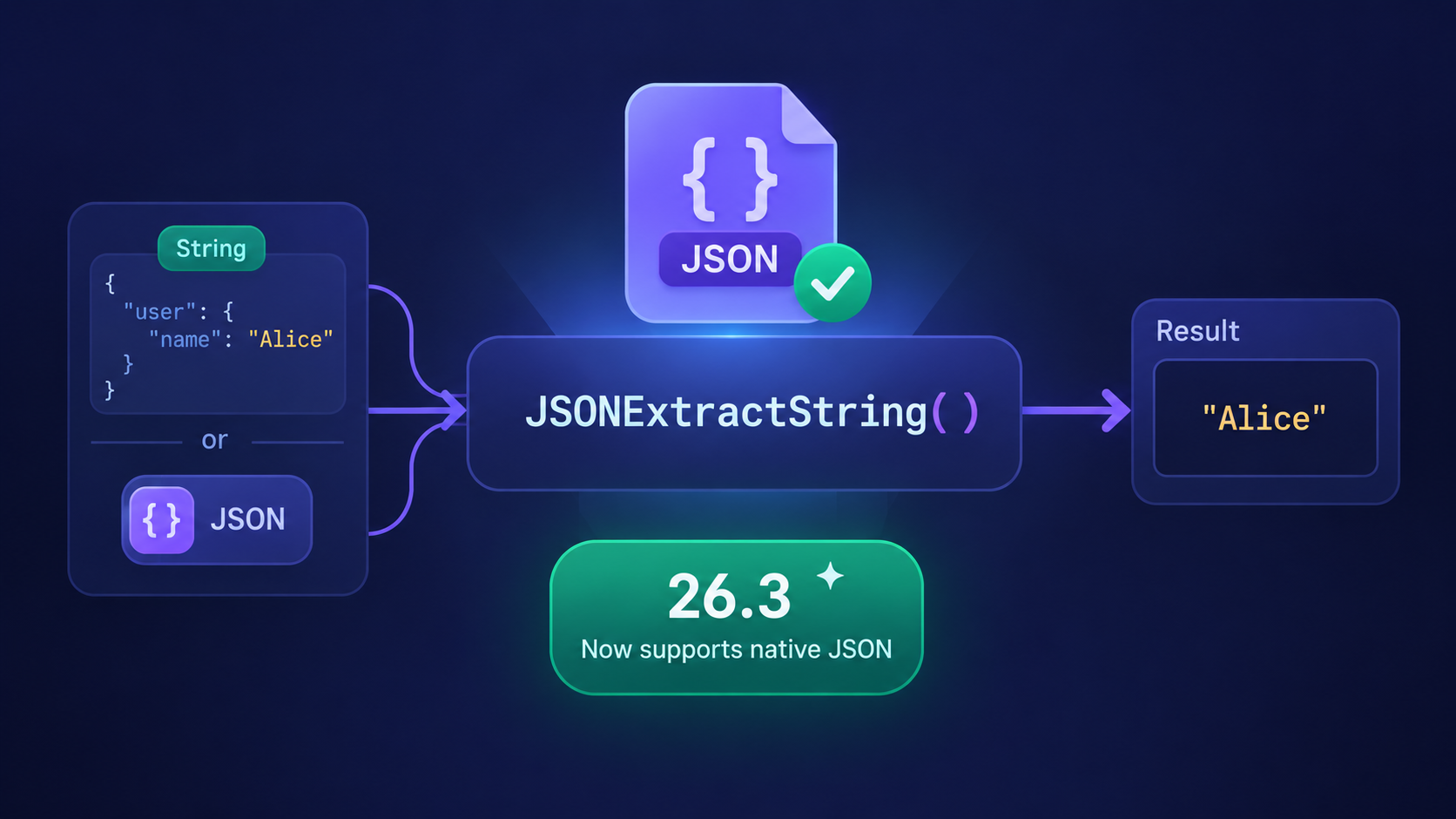
When the native JSON data type was introduced in ClickHouse®, it provided a more structured and efficient way to store semi-structured data. However, there was one small inconvenience that many users quickly noticed.
Functions such as JSONExtractString() worked only with JSON stored as a String, not with the native JSON type itself. If you attempted to use JSONExtractString() directly on a JSON column, ClickHouse® returned an error.
With ClickHouse® 26.3, this limitation has been removed.
JSONExtractString() (along with the other JSONExtract* functions) now works directly with the native JSON data type, making it easier to migrate applications, write reusable SQL, and work with JSON regardless of how it is stored.
Let's explore what changed and why it matters.
The Situation Before ClickHouse® 26.3
Before version 26.3, JSONExtractString() expected its first argument to be a String containing valid JSON.
For example:
WITH '{"ClickHouse":{"version":"26.3"}}' AS s
SELECT
    toTypeName(s),
    JSONExtractString(s, 'ClickHouse', 'version');
Output:
┌─toTypeName(s)─┬─JSONExtractString(...)─┐
│ String        │ 26.3                  │
└───────────────┴───────────────────────┘
Everything worked because the input was a String.
But What About the Native JSON Type?
Suppose you stored exactly the same data as a native JSON value.
WITH '{"ClickHouse":{"version":"26.3"}}'::JSON AS s
SELECT
    toTypeName(s),
    JSONExtractString(s, 'ClickHouse', 'version');
In versions before 26.3, ClickHouse® returned an error similar to:
Code: 43.
The first argument of function JSONExtractString
should be a string containing JSON,
illegal type: JSON
This happened because the function only accepted the String data type. Even though the value contained JSON, the type checker rejected it before execution.
What's New in ClickHouse® 26.3?
Starting with ClickHouse® 26.3, the same query works without any modifications.
WITH '{"ClickHouse":{"version":"26.3"}}'::JSON AS s
SELECT
    toTypeName(s),
    JSONExtractString(s, 'ClickHouse', 'version');
Output:
┌─toTypeName(s)─┬─JSONExtractString(...)─┐
│ JSON          │ 26.3                  │
└───────────────┴───────────────────────┘
The function now accepts both:
StringJSON
as valid input types.
What Exactly Changed?
The important thing to understand is that the behavior of JSONExtractString() itself has not changed.
It still:
- parses JSON
- navigates to the specified path
- returns the value as a String
The improvement is simply that the function now recognizes the native JSON type as a valid input, instead of only accepting a JSON-formatted String.
Why Is This Useful?
At first glance, this may seem like a minor quality-of-life improvement. In practice, it removes a common friction point when working with JSON.
1. One Query Works Everywhere
Previously, you often had to know whether a column was stored as:
Stringor
JSONbefore deciding how to query it.
Now, the same extraction query works for both storage types.
This makes SQL easier to reuse across different tables and schemas.
2. Easier Migration to the JSON Type
Many applications started with JSON stored as plain strings.
As teams migrate those columns to the native JSON type, they no longer need to rewrite every query that uses JSONExtractString().
Existing SQL continues to work after the migration.
3. Less Conditional Logic
Applications that generated SQL dynamically sometimes needed different query templates depending on the column type.
For example:
If String
    use JSONExtractString()

If JSON
    use another approach
With ClickHouse® 26.3, that distinction is no longer necessary for these extraction functions.
4. Better Developer Experience
The new behavior is simply more intuitive.
If a value is stored as JSON, it's reasonable to expect JSON extraction functions to work on it directly.
ClickHouse® 26.3 aligns the function's behavior with that expectation.
A Practical Example
Imagine an events table:
CREATE TABLE events
(
    id UInt64,
    payload JSON
)
ENGINE = MergeTree
ORDER BY id;
Example row:
{
    "user": {
        "name": "Alice",
        "country": "India"
    }
}
Extracting the user's name is now straightforward:
SELECT
    JSONExtractString(payload, 'user', 'name')
FROM events;
Before 26.3, this query would fail because payload was of type JSON.
In 26.3 and later, it works directly.
Does This Replace Native JSON Access?
No.
ClickHouse® already supports accessing fields from a native JSON value using dot notation.
For example:
SELECT payload.user.name
FROM events;
The new JSONExtractString() support does not replace this capability. Instead, it provides another option that is especially useful when:
- reusing existing queries written for JSON strings,
- using dynamic JSON paths,
- or maintaining applications that already rely heavily on the
JSONExtract*family of functions.
Final Thoughts
Not every release feature needs to be a major performance breakthrough to improve day-to-day development.
The enhancement to JSONExtractString() in ClickHouse® 26.3 is a small but meaningful improvement. By allowing the function to operate directly on the native JSON type, ClickHouse® removes an unnecessary limitation and makes JSON querying more consistent.
If your applications are adopting the native JSON data type-or if you're gradually migrating from JSON stored as strings-this change means your existing JSONExtract* queries are far more likely to continue working without modification.
It's a small feature, but one that contributes to a smoother and more intuitive experience when working with JSON in ClickHouse®.