When people talk about database performance, one recommendation appears frequently:
"Bypass the operating system's page cache."
While this advice has merit in certain situations, it is often presented without explaining what the page cache does, why ClickHouse® normally relies on it, and when bypassing it is actually beneficial.
This article explains how ClickHouse® interacts with the Linux page cache, what happens when Direct I/O is enabled, and the trade-offs involved.
Understanding the Linux Page Cache
Before discussing ClickHouse®, it's important to understand what the Linux page cache is.
Whenever an application reads data from a file using standard buffered I/O, Linux stores the data in an in-memory cache called the page cache.
The next time the same data is requested:
- If the data is already in memory, Linux serves it directly from RAM.
- Otherwise, Linux fetches it from disk and adds it to the page cache for future accesses.
This mechanism is completely transparent to applications. Most applications don't need to implement their own disk caching because the operating system already does it.
In many workloads, this significantly reduces disk I/O and improves response time.
How ClickHouse® Reads Data by Default
Contrary to a common misconception, ClickHouse® does not bypass the page cache by default.
By default, ClickHouse® performs buffered file reads, allowing Linux to manage cached data through the page cache. This behavior is intentional because many analytical queries repeatedly access the same data parts, making the operating system's cache effective.
For example:
Query
        │
        ▼
ClickHouse®
        │
Buffered Read
        │
        ▼
Linux Page Cache
        │
        ▼
Storage Device
If another query reads the same blocks shortly afterward, Linux may satisfy the request directly from memory instead of accessing storage.
Why the Page Cache Isn't Always Ideal
Although the page cache improves performance in many cases, it isn't always the best choice.
Consider a query that scans several hundred gigabytes of data exactly once.
Those data pages are loaded into the page cache even though they may never be reused.
This creates two potential issues:
1. Cache Pollution
Large sequential scans can fill the page cache with data that has little chance of being accessed again.
As a result, useful cached data may be evicted.
2. Memory Competition
The Linux page cache uses available RAM.
For large analytical workloads, memory is also needed for:
- query execution
- hash tables
- aggregation
- sorting
- joins
- ClickHouse®'s own caches
Allowing massive scans to populate the page cache can reduce the memory available for these operations.
What Does "Bypassing the Page Cache" Mean?
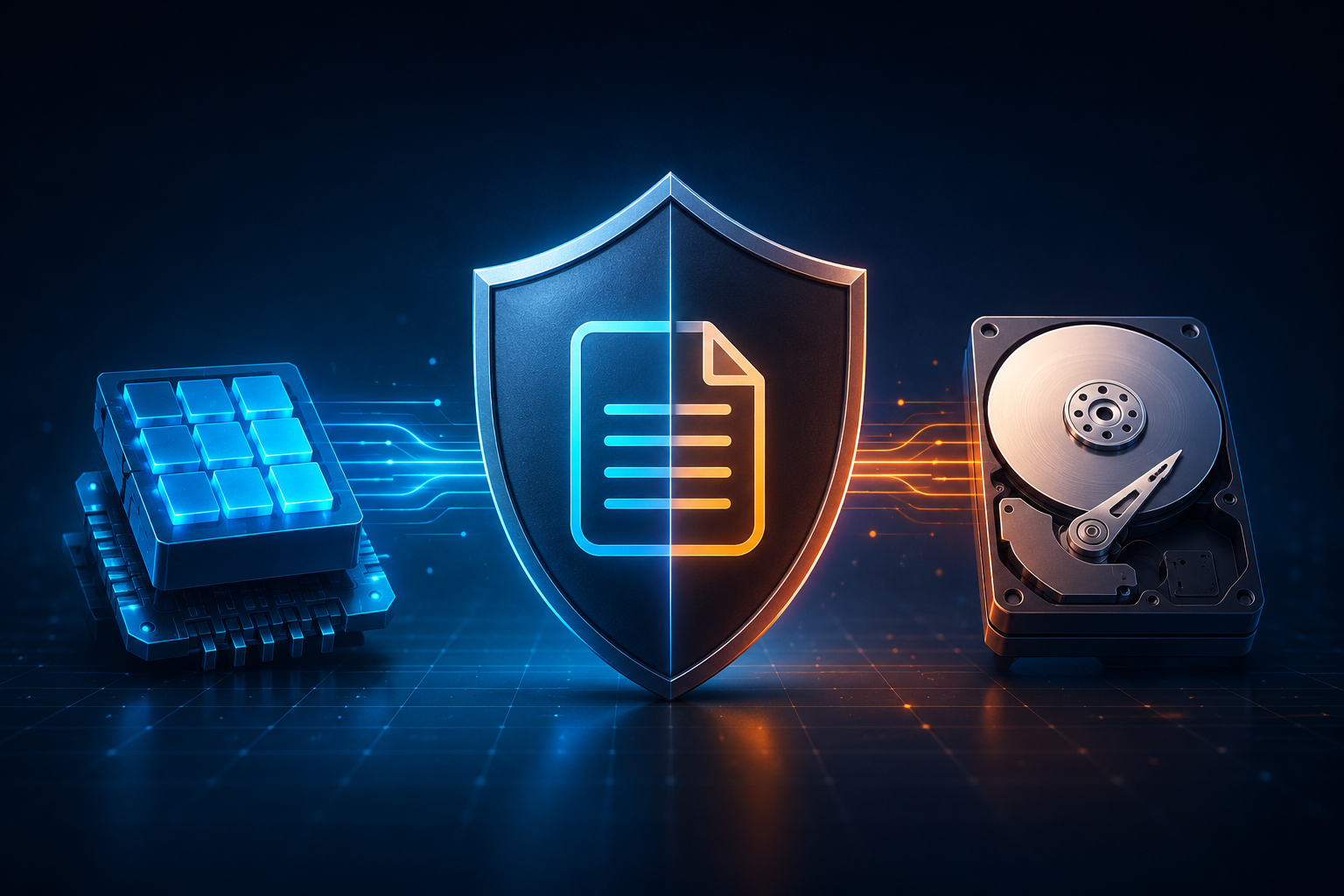
Bypassing the page cache means reading data directly from storage instead of letting Linux cache the file contents.
On Linux, this is typically accomplished using the O_DIRECT file flag.
Instead of following the normal path
Application
      │
      ▼
Page Cache
      │
      ▼
Disk
the data path becomes
Application
      │
      ▼
Disk
The operating system does not keep the file data in the page cache for those I/O operations.
It is important to note that Direct I/O bypasses the page cache only for those specific reads. It does not disable the page cache globally for the system.
How ClickHouse® Enables Direct I/O
ClickHouse® provides the setting:
min_bytes_to_use_direct_ioThis setting specifies the minimum amount of data that a query must read before ClickHouse® switches to Direct I/O.
For example:
SET min_bytes_to_use_direct_io = 104857600;If the estimated read size exceeds 100 MB, ClickHouse® opens the files using Direct I/O (O_DIRECT).
If the value is:
0Direct I/O is disabled, which is also the default behavior.
Why Isn't Direct I/O the Default?
A common assumption is:
If bypassing the page cache reduces memory usage, why doesn't ClickHouse® always use it?
Because the page cache is often beneficial.
For workloads involving:
- repeated queries
- hot datasets
- dashboards
- frequently accessed partitions
the page cache allows data to be served directly from RAM.
Without it, every query would need to fetch data from storage again.
For these workloads, bypassing the page cache can actually reduce performance.
This is why ClickHouse® enables Direct I/O only when explicitly configured.
Direct I/O Does Not Disable Other ClickHouse® Caches
Another common misunderstanding is that enabling Direct I/O disables every cache in ClickHouse®.
It does not.
ClickHouse® includes several caching layers besides the operating system's page cache, including:
- Mark Cache
- Uncompressed Block Cache
- Query Cache (when enabled)
These caches operate independently of the Linux page cache.
Enabling Direct I/O only changes how file data is read from storage; it does not disable these higher-level caches.
When Direct I/O Makes Sense
Direct I/O is generally more useful when:
- Queries perform very large sequential scans.
- Data is rarely accessed more than once.
- Large scans would otherwise evict useful data from the page cache.
- Predictable memory usage is more important than maximizing cache hit rates.
Large analytical workloads often fall into this category.
When You Should Avoid It
Direct I/O is not universally beneficial.
It may reduce performance when:
- the same data is queried repeatedly,
- the working dataset fits comfortably in memory,
- dashboards repeatedly access hot partitions,
- storage latency is significantly higher than memory latency.
In these cases, the Linux page cache can serve repeated reads much faster than the underlying storage.
Key Takeaways
- ClickHouse® does not bypass the Linux page cache by default.
- Direct I/O is enabled through the
min_bytes_to_use_direct_iosetting. - Direct I/O uses Linux's
O_DIRECTmechanism to bypass the page cache for qualifying reads. - Bypassing the page cache is a workload optimization, not a universal performance improvement.
- Direct I/O affects only file I/O through the page cache; it does not disable ClickHouse®'s own caches such as the Mark Cache or Uncompressed Block Cache.
- Choosing between buffered I/O and Direct I/O depends on access patterns, data reuse, available memory, and storage characteristics—not on a general rule that one is always faster than the other.
Conclusion
Bypassing the Linux page cache is not a universal performance optimization—it's a workload-specific tuning strategy. While Direct I/O can help prevent cache pollution and provide more predictable memory usage for large sequential scans, it also eliminates the benefits of the operating system's page cache for those reads.
ClickHouse® leaves this decision in your hands through the min_bytes_to_use_direct_io setting rather than enabling Direct I/O by default. This reflects an important principle: the right I/O strategy depends on how your data is accessed. Workloads that repeatedly query the same data often benefit from the page cache, whereas one-time analytical scans may perform better without it.
Before enabling Direct I/O in production, benchmark it against your own workload. Measure query latency, disk throughput, CPU utilization, and memory usage under realistic conditions. The results-not assumptions-should determine whether bypassing the page cache is the right choice for your ClickHouse® deployment.