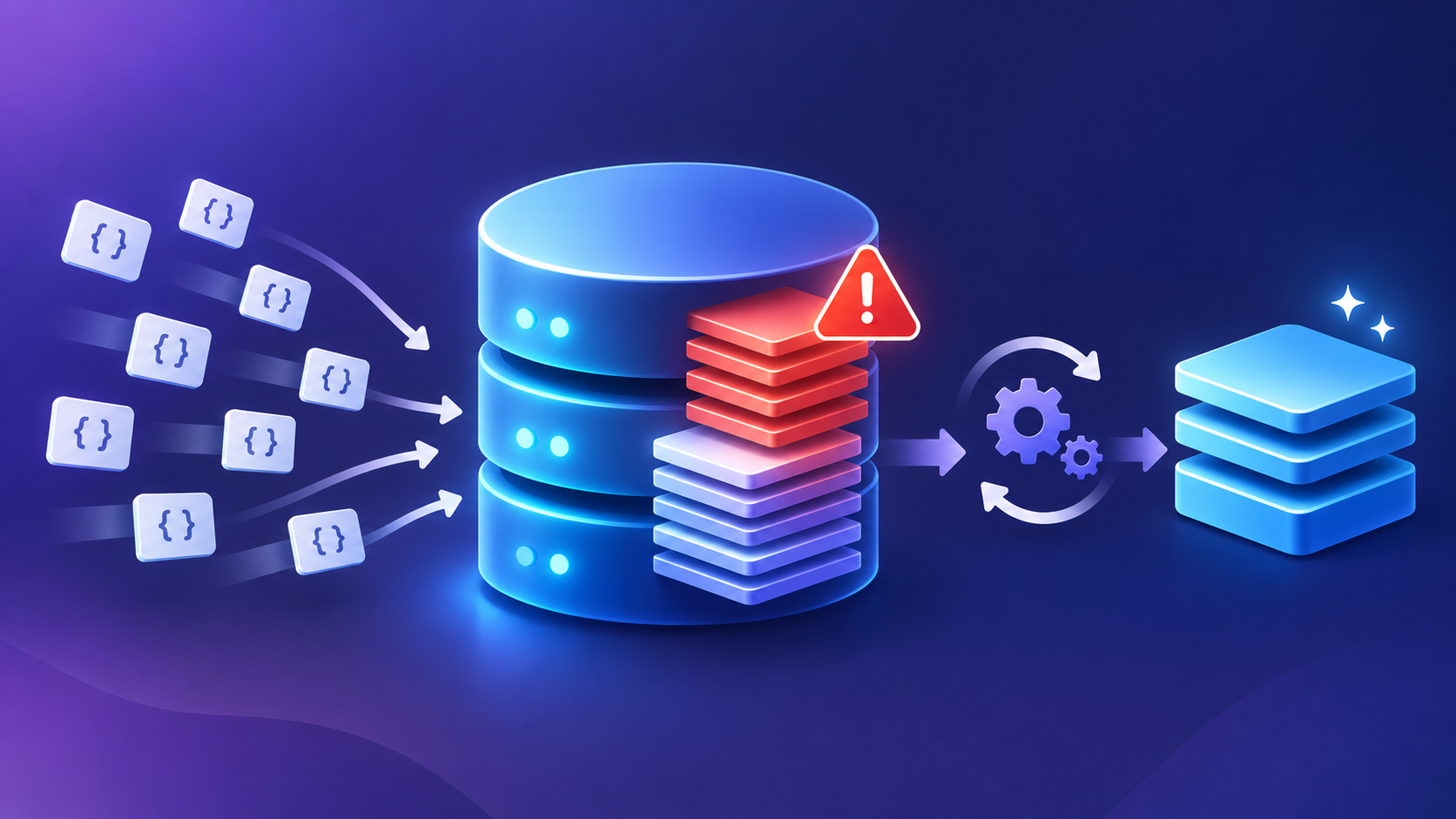
Your ClickHouse INSERT queries get slow. Then some fail with this error:
Code: 252. DB::Exception: Too many parts (3001). Merges are processing significantly slower than inserts. (TOO_MANY_PARTS)The number of active parts in one partition keeps going up. Merges do not keep up with new parts.
This article is about server settings in config.xml or config.d/. They apply to the whole server. It uses ClickHouse 26.8.1.2041. Defaults can be different on other versions.
The most common root cause is small, frequent inserts. Pool tuning does not fix that. Read the next section first.
Why it happens
Each INSERT creates at least one new part in each partition it touches. A background merge combines small parts into larger parts. If parts arrive faster than merges finish, the part count grows.
Two MergeTree table settings control what happens next:
parts_to_delay_insertis the first threshold. When one partition has this many active parts, ClickHouse slows down INSERT queries.parts_to_throw_insertis the second threshold. When one partition reaches this number, INSERT fails with TOO_MANY_PARTS.
The default for parts_to_delay_insert is 1000 on master. The default for parts_to_throw_insert is 3000 on master. Older versions used lower numbers.
There is also a server-wide limit, max_parts_in_total. It can raise the same error.
Merges can fall behind for four reasons:
- Clients send too many small inserts. This is the usual cause.
- One insert touches many partitions. Each partition gets its own part.
- The background pool is full, and the host still has free CPU and disk I/O.
- Small merges wait behind large merges.
Reasons 3 and 4 are the ones the settings in this article can fix. Reasons 1 and 2 need a change in the client.
The size of the merge pool is set by two settings. The maximum number of merge and mutation tasks is background_pool_size multiplied by background_merges_mutations_concurrency_ratio. With the defaults, this is 16 × 2 = 32 tasks.
The pool has 16 threads, but it can hold 32 tasks. Some tasks can pause so that small merges can run first.
How to confirm
First, count active parts per partition. Run this query:
SELECT
    database,
    table,
    partition,
    count() AS active_parts
FROM system.parts
WHERE active
GROUP BY database, table, partition
ORDER BY active_parts DESC
LIMIT 20;
Compare the top numbers with parts_to_delay_insert and parts_to_throw_insert. If a partition is close to the limit, you have the problem now.
Next, check the merge pool. Run this query:
SELECT metric, value
FROM system.metrics
WHERE metric IN (
    'BackgroundMergesAndMutationsPoolTask',
    'BackgroundMergesAndMutationsPoolSize'
);
BackgroundMergesAndMutationsPoolTask is the number of merge and mutation tasks that run now. BackgroundMergesAndMutationsPoolSize is the limit on that number.
Read the result like this:
- If Task stays close to Size while the part count grows, the pool is full. Pool tuning can help.
- If Task is much lower than Size while the part count grows, the pool is not the limit. Look at insert size, partition count, disk speed and memory.
Now look at the running merges:
SELECT
    database,
    table,
    elapsed,
    progress,
    num_parts,
    total_size_bytes_compressed
FROM system.merges
ORDER BY total_size_bytes_compressed DESC;
If a few merges are very large and many are small, small merges may wait behind large ones. This is the case for shortest_task_first.
Last, check how often clients insert. This query needs system.part_log that it is enabled on your server.
SELECT
    toStartOfMinute(event_time) AS minute,
    database,
    table,
    count() AS new_parts,
    round(avg(rows)) AS avg_rows_per_part
FROM system.part_log
WHERE event_type = 'NewPart'
  AND event_time > now() - INTERVAL 1 HOUR
GROUP BY minute, database, table
ORDER BY minute DESC, new_parts DESC
LIMIT 50;
If avg_rows_per_part is small and new_parts is high, clients send too many small inserts. Pool tuning will only delay the failure in this case.
The settings
Check defaults on your own server. Use system.server_settings for server settings and system.merge_tree_settings for table settings. The defaults below come from master, commit 9f79cc1, 30 October 2026.
| Setting | Default | What it controls | Restart needed |
|---|---|---|---|
background_pool_size | 16 | Number of threads for background merges and mutations | Only to lower it. You can increase it without restart. |
background_merges_mutations_concurrency_ratio | 2 | Ratio between pool threads and the number of tasks that can run at once | Yes |
background_merges_mutations_scheduling_policy | round_robin | How the pool picks the next task. Other value: shortest_task_first | Yes |
parts_to_delay_insert (table setting) | 1000 | Active parts in one partition where INSERT starts to slow down | No. It is a table setting. |
parts_to_throw_insert (table setting) | 3000 | Active parts in one partition where INSERT fails | No. It is a table setting. |
Run this query to see the values on your server:
SELECT name, value, `default`, changed
FROM system.server_settings
WHERE name IN (
    'background_pool_size',
    'background_merges_mutations_concurrency_ratio',
    'background_merges_mutations_scheduling_policy'
);
Run this query for the table settings:
SELECT name, value, changed
FROM system.merge_tree_settings
WHERE name IN ('parts_to_delay_insert', 'parts_to_throw_insert');
How to fix it
Fix the clients first. Send fewer and larger inserts. A common target is at least 1000 rows per insert, and about one insert per second per table. If clients cannot batch, use asynchronous inserts. See Too many small inserts create too many parts.
Check if one insert touches many partitions. Each partition gets its own part, so one insert can create many parts. Change the partition key, or group rows by partition before you insert. A separate article will cover this case in detail.
Then change the server settings. Make one change at a time. Measure after each change.
Change 1: increase the pool size
Use this change only on hosts with free CPU and free disk I/O. Check CPU and disk use before you start.
Create /etc/clickhouse-server/config.d/merge_pool.xml:
<clickhouse>
    <background_pool_size>24</background_pool_size>
</clickhouse>
No restart is needed to increase this value. ClickHouse reads the changed file at runtime. Confirm the new value with system.server_settings after a short wait.
The value 24 is 50% more than the default. A small step lets you see the effect on CPU and disk. With the default ratio of 2, the task limit becomes 48.
Do not set this value higher than the number of CPU cores that are free for merges. More threads on a busy host make queries slower.
Change 2: use shortest_task_first
Use this change when many small merges wait behind a few large merges. You saw this pattern in system.merges.
Create /etc/clickhouse-server/config.d/merge_policy.xml:
<clickhouse>
    <background_merges_mutations_scheduling_policy>shortest_task_first</background_merges_mutations_scheduling_policy>
</clickhouse>
A restart may be needed. If it is needed, restart one replica at a time.
Small merges finish first with this policy. Small merges remove parts fast, so the part count drops sooner. The default round_robin gives each task a turn.
Change 3: leave the ratio alone, in most cases
The default ratio of 2 is a good start. A higher ratio lets more tasks wait in the pool, but it does not add threads. Change it only if you have a clear reason, and measure the result.
If you must change it:
<clickhouse>
    <background_merges_mutations_concurrency_ratio>3</background_merges_mutations_concurrency_ratio>
</clickhouse>
A restart is needed.
Related problem
If merges fail or use too much memory, more threads will make this worse. Check merge memory use before you change the pool size.
Do not raise the part limits as a fix
You can raise parts_to_delay_insert and parts_to_throw_insert. This only hides the problem. A table with thousands of parts per partition has slow SELECT queries and slow startup. Use a higher limit only as a short-term way to survive an incident.
How to verify the fix
Run the active parts query again. The top numbers must go down, or at least stop going up.
Check the pool again:
SELECT metric, value
FROM system.metrics
WHERE metric IN (
    'BackgroundMergesAndMutationsPoolTask',
    'BackgroundMergesAndMutationsPoolSize'
);
BackgroundMergesAndMutationsPoolSize must show the new limit. BackgroundMergesAndMutationsPoolTask can now go higher than before.
Check if new TOO_MANY_PARTS errors still happen:
SELECT name, code, value, last_error_time
FROM system.errors
WHERE name = 'TOO_MANY_PARTS';
The value column counts errors since the server started. It must stop growing. Compare the number at two points in time.
Check delayed and rejected inserts:
SELECT event, value
FROM system.events
WHERE event IN ('DelayedInserts', 'RejectedInserts');
the event names on your target version. These counters also count since the server started. Compare them over time.
Also watch query latency and host CPU. The next section explains why.
Risks and trade-offs
More merge threads take CPU and disk I/O from queries. On a busy host, SELECT queries can become slower after Change 1. Watch query latency for a full business day after the change.
A larger pool can also use more memory. Each merge needs memory. Check memory use on one host before you roll out the change.
shortest_task_first can delay large merges. A large merge may wait for a long time if small merges keep arriving. Big parts stay unmerged, and the total part count can stay higher than you expect. Watch the largest merges in system.merges.
Pool tuning does not fix small, frequent inserts. If clients create parts faster than any pool can merge them, the error will come back. Batching is the real fix.
Change the pool size on one host first. Then check CPU, disk I/O and latency. Roll out to other hosts after that.
Summary
- TOO_MANY_PARTS means merges are slower than inserts in one partition.
- Small, frequent inserts are the usual root cause. Pool tuning does not fix them.
- Count active parts per partition in
system.parts. CompareBackgroundMergesAndMutationsPoolTaskwithBackgroundMergesAndMutationsPoolSizeinsystem.metrics. - If the pool is full and the host has free CPU and disk I/O, increase
background_pool_size. Useshortest_task_firstwhen small merges wait behind large merges. - More merge threads take CPU and disk I/O from queries. Change one setting at a time, and measure each change.