Here is the uncomfortable truth I have seen play out more than once: a team backs up religiously for two years, then has their first real outage, goes to restore, and discovers the backups were never actually restorable. The backup job ran. The files were there. But nobody had ever tested a restore, so nobody knew it would not work until it had to. This post is about the half of disaster recovery that everyone skips.
A backup is a promise, a restore is proof
Taking a backup feels like the accomplishment, so that is where attention goes. But a backup is only a promise that you can recover. The restore is the proof. Until you have actually restored a backup and confirmed the data is correct, you do not have disaster recovery, you have hope.
I treat the restore as the real deliverable. The backup exists to enable the restore, and an untested restore is a backup that has not finished its job.
Restoring with ClickHouse
The mechanics are straightforward. ClickHouse®'s RESTORE command is the mirror of BACKUP, reading from the same object storage you wrote to. If you backed up to S3, you restore from S3:
RESTORE DATABASE analytics
FROM S3('https://s3.amazonaws.com/my-backups/analytics/2026-05-28', 'access_key', 'secret_key');
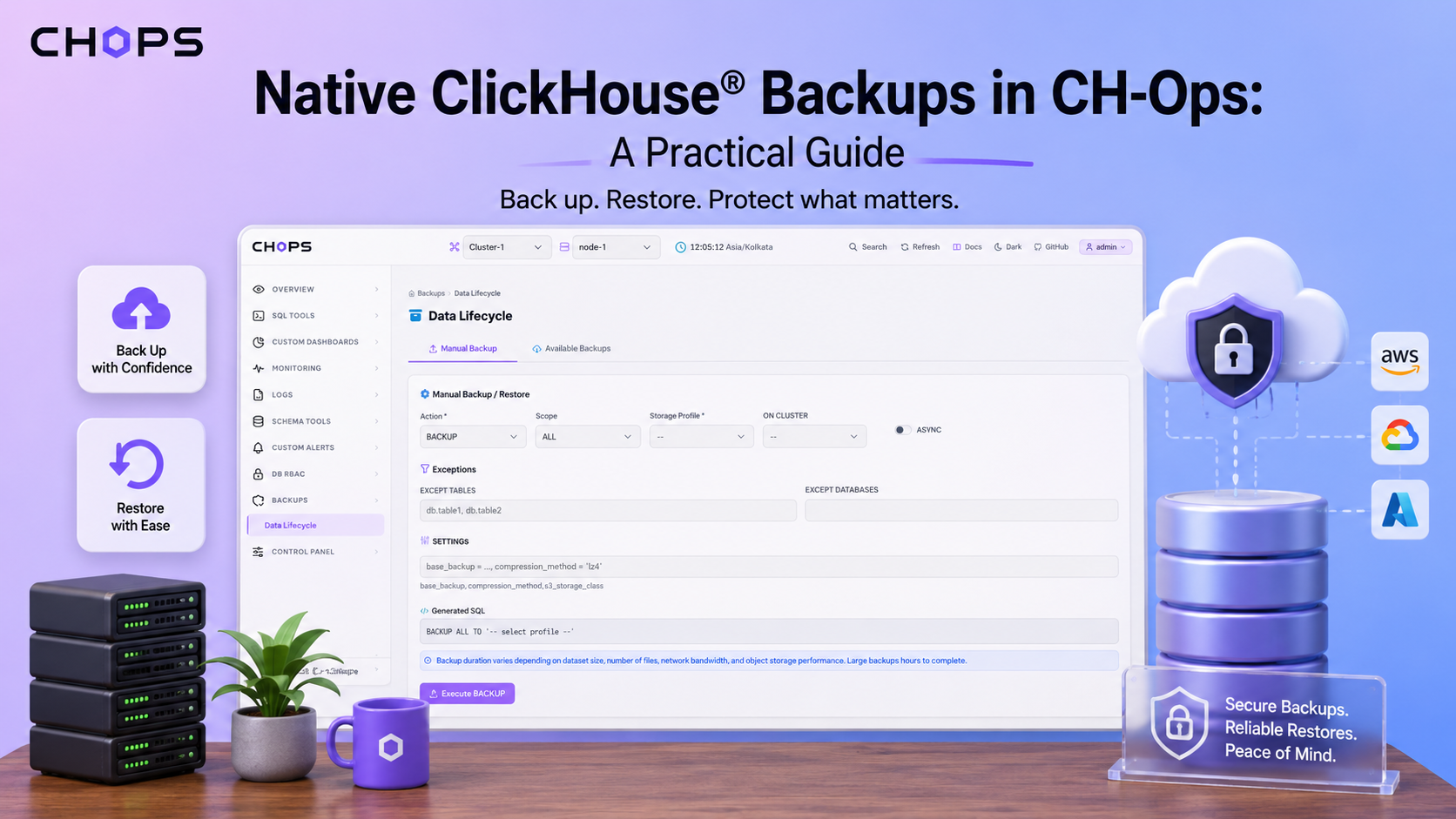
In CHOps you do this from the backup history: pick the backup you want, choose where to restore it, and run it. Because every backup is listed with its details, you are restoring a specific, known backup rather than hunting for the right path in a bucket. I covered the backup side of this in backing up to S3, GCS, and Azure.
How to test a restore without breaking things
The reason people skip restore testing is fear, understandably, you do not want to overwrite production to test a backup. The trick is to restore somewhere safe.
Restore to a different database name. RESTORE DATABASE analytics AS analytics_restore_test brings the data back alongside production without touching it, so you can verify it and then drop it.
Restore to a separate cluster or a staging node. This is the gold standard, because it also tests that your backup is portable across machines, not just restorable on the exact node that made it.
Verify with queries, not vibes. After restoring, run counts and spot checks against the restored data and compare them to what you expect. Row counts per table, a few known records, the newest timestamp. If those match, you have real confidence.
I run a restore test on a schedule, restoring the latest backup to a throwaway database and checking the counts. The first time you do this, there is a decent chance you find a problem, a missing permission on the bucket, a credential that expired, a table that does not come back cleanly. Far better to find it on a Tuesday afternoon than during an outage.
What good disaster recovery actually looks like
Good DR is not just backups running. It is backups running, restores tested regularly, and a documented procedure that someone other than the original author can follow. That last part matters as much as the technical side. When the cluster is down and the person who set up backups is unreachable, the team needs to be able to restore without them. A visible backup history and a UI-driven restore are a big help here, because the process is not locked inside one person's scripts.
The honest summary is this: backing up is the easy half, and it is the half everyone does. Restoring, and testing that you can restore, is the half that actually saves you, and it is the half everyone skips. Do not be that team. Restore a backup this week, even just to a test database, and find out whether your promise is real. The backups feature page shows how restores work from the backup history.
Disaster recovery is a serious, technical responsibility. Test your restores on a safe target, verify the data carefully, and make sure more than one person knows the procedure.