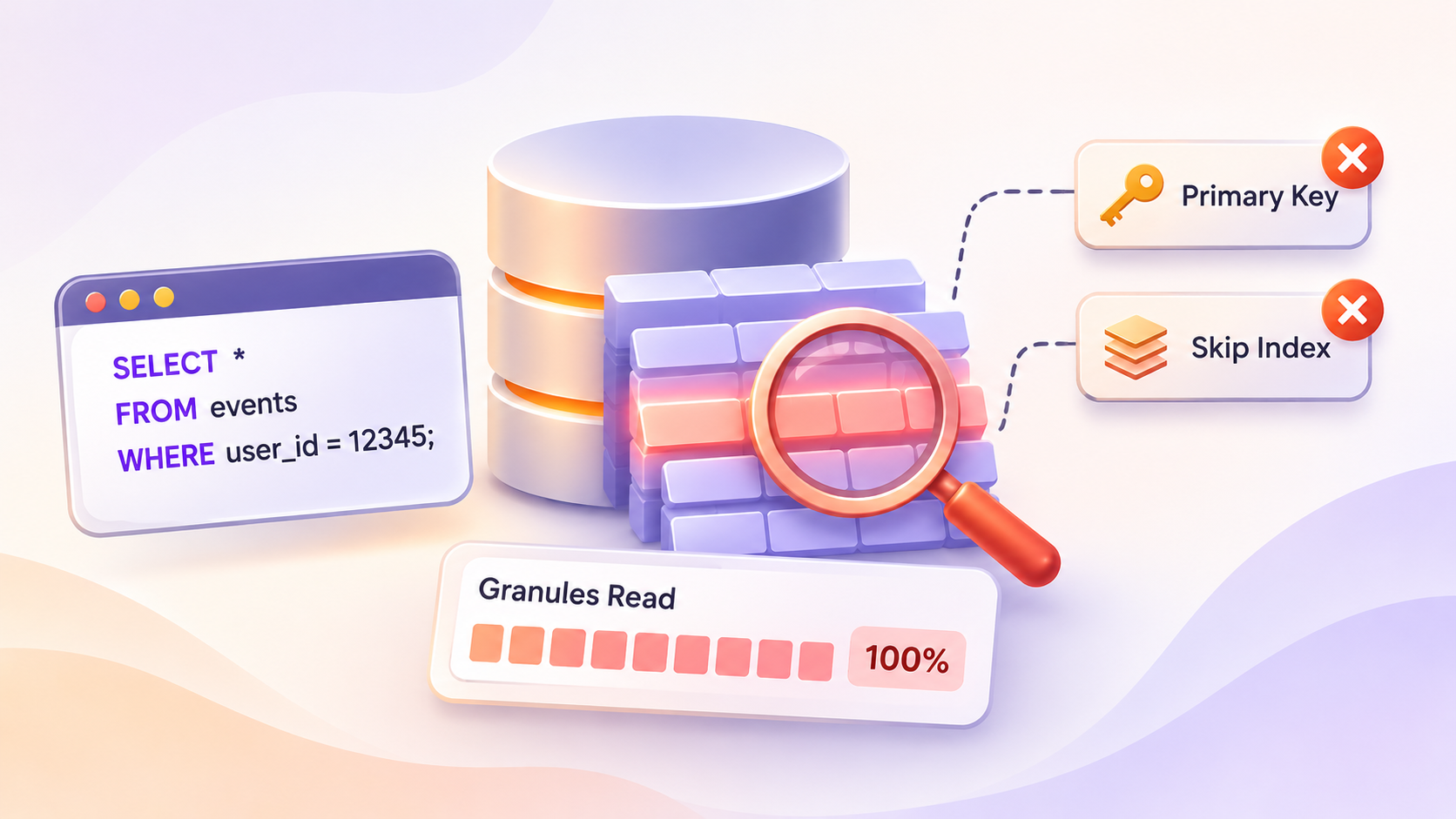
A ClickHouse query has a filter in the WHERE clause. You expect it to read a small part of the table. It reads all granules instead.
You see this in three places:
- The query is slow, but the result has few rows.
read_rowsinsystem.query_logis close to the row count of the table.- Disk read is high on the server, even for simple filters.
This often starts after a schema change or a new report. One query with the wrong filter can slow down a whole shard.
A granule is a block of rows. A good filter lets the server skip most granules. In this case, the server skips almost none. This article shows how to confirm the problem and fix it.
Why it happens
A MergeTree table stores data in parts. Each part is sorted by the sorting key. The primary key is a sparse index. It stores one entry for each granule. A granule is a block of rows. The default size is 8192 rows.
The server uses the primary key to skip granules. It can do this only if the filter matches the sorting key. These are the common causes of a full scan:
- The filter uses a column that is not in the sorting key.
- The filter uses a column that is in the key, but not the first column, and the first column has many distinct values.
- The filter wraps the key column in a function, so the server cannot use the index.
- The filter compares the key column to a value of a different type.
- The filter uses
ORwith a condition on a non-key column. - The filter uses
LIKE '%text%'on a key column.
A skip index can also fail to help. The index expression must match the filter. The index type must fit the filter, for example bloom_filter for equality.
Two settings often cause confusion:
optimize_move_to_prewheremoves someWHEREconditions toPREWHERE.PREWHEREreads the filter columns first. Then it reads the other columns only for rows that match. This saves column reads. It does not reduce the number of granules. A full scan withPREWHEREstill reads every granule of the filter column.optimize_read_in_orderhelpsORDER BYqueries. IfORDER BYmatches the sorting key, the server reads data in key order. It can skip the sort step. It does not fix a badWHEREfilter.
How to confirm
Run EXPLAIN with indexes = 1. This shows how many parts and granules each index selects.
On version 25.9 and later, add two settings to the query. Without them, EXPLAIN does not show the real index result.
EXPLAIN indexes = 1
SELECT count()
FROM events
WHERE user_id = 12345
SETTINGS use_query_condition_cache = 0, use_skip_indexes_on_data_read = 0;
The output has this shape. The numbers are an example. Yours will differ.
ReadFromMergeTree (default.events)
Indexes:
  PrimaryKey
    Condition: true
    Parts: 12/12
    Granules: 122000/122000
Read Granules: 122000/122000 as "selected / total". Here the index selects every granule. Condition: true means the server could not build a condition from your filter. This is a full scan.
Now check the sorting key of the table.
SELECT name, sorting_key, primary_key, partition_key
FROM system.tables
WHERE database = 'default' AND name = 'events';
Compare the filter columns to sorting_key. If the first key column is not in your filter, the primary key cannot help.
To find the bad queries in production, use system.query_log.
SELECT
    query_id,
    read_rows,
    read_bytes,
    query_duration_ms,
    ProfileEvents['SelectedMarks'] AS selected_marks,
    substring(query, 1, 120) AS query_start
FROM system.query_log
WHERE type = 'QueryFinish'
  AND event_time > now() - INTERVAL 1 HOUR
ORDER BY read_rows DESC
LIMIT 20;
SelectedMarks counts the granules that the query selected. Check that this event name exists on your target version.
The settings
Defaults in this table come from the ClickHouse master branch, commit 9f79cc1, 30 October 2026. Defaults can differ on your version. Check them on your own server before you rely on them.
| Setting | Default | What it controls | Restart needed |
|---|---|---|---|
optimize_move_to_prewhere | true | Moves suitable WHERE conditions to PREWHERE to read fewer columns. | No |
optimize_read_in_order | true | Reads data in sorting key order when ORDER BY matches the key. | No |
use_skip_indexes | true | Lets queries use data skipping indexes to skip granules. | No |
force_primary_key | false | Rejects a query if the primary key cannot be used. | No |
force_index_by_date | false | Rejects a query if the date or partition index cannot be used. | No |
Check the current values with this query.
SELECT name, value, default, changed
FROM system.settings
WHERE name IN (
    'optimize_move_to_prewhere',
    'optimize_read_in_order',
    'use_skip_indexes',
    'force_primary_key',
    'force_index_by_date'
);
Use system.server_settings for server-level settings. The settings above are query-level settings, so system.settings is the right table.
How to fix it
Step 1: Change the filter to match the sorting key
This is the main fix. Do not start with a setting.
Say the table has this sorting key.
CREATE TABLE events
(
    tenant_id UInt32,
    event_time DateTime,
    user_id UInt64,
    event_type LowCardinality(String)
)
ENGINE = MergeTree
ORDER BY (tenant_id, event_time);
This query filters only on user_id. It reads the whole table.
SELECT count()
FROM events
WHERE user_id = 12345;
Add a filter on the leading key columns. Then the server can skip granules.
SELECT count()
FROM events
WHERE tenant_id = 42
  AND event_time >= now() - INTERVAL 1 DAY
  AND user_id = 12345;
Why this works: the primary key filters on tenant_id first. Then it narrows by event_time. The user_id condition runs only on the selected granules.
Other changes in the same spirit:
- Compare the key column to a value of the same type.
- Remove functions around key columns. Move them to the constant side. Write
event_time >= toDateTime('2026-10-01 00:00:00'). - Replace
ORacross key and non-key columns with two queries andUNION ALL.
If you cannot filter on the key, add a skip index. This helps when user_id has clustered values. It helps less when values are random.
ALTER TABLE events
    ADD INDEX idx_user user_id TYPE bloom_filter(0.01) GRANULARITY 4;
New parts get the index. Old parts do not. Build it for existing data.
ALTER TABLE events MATERIALIZE INDEX idx_user;The index value 0.01 is the false positive rate. A lower value gives a bigger index and fewer false hits. Test it on your data. Do not copy it without a test.
Step 2: Use read in order for ORDER BY queries
Keep optimize_read_in_order at its default. Write ORDER BY in the same order as the sorting key.
SELECT event_time, user_id
FROM events
WHERE tenant_id = 42
ORDER BY event_time
LIMIT 100
SETTINGS optimize_read_in_order = 1;
Why: the data is already sorted by event_time inside each tenant_id. The server reads the first rows and stops. It does not sort the full result.
If you see a problem with this plan, turn it off for one query only. Do not turn it off in a profile.
Step 3: Reject full scans with force_primary_key
Set force_primary_key where full scans are a risk. Use it for dashboards and API users. Do not use it for admin users.
Option A: settings profile in users.xml.
<clickhouse>
    <profiles>
        <strict_reads>
            <force_primary_key>1</force_primary_key>
        </strict_reads>
    </profiles>
    <users>
        <app_reader>
            <profile>strict_reads</profile>
        </app_reader>
    </users>
</clickhouse>
The server reloads this file without a restart. Existing sessions keep their old settings. New sessions use the new profile.
Option B: settings profile in SQL.
CREATE SETTINGS PROFILE strict_reads
    SETTINGS force_primary_key = 1
    TO app_reader;
Use this if you manage access with SQL. Do not mix both methods for the same profile name.
Option C: one session.
SET force_primary_key = 1;Use this to test a set of queries before you change a profile.
Option D: one query.
SELECT count()
FROM events
WHERE user_id = 12345
SETTINGS force_primary_key = 1;
This query now fails. The server returns an error with code INDEX_NOT_USED. That is the intended result.
If the table is partitioned by date, you can also set force_index_by_date.
SELECT count()
FROM events
WHERE tenant_id = 42
SETTINGS force_index_by_date = 1;
This query fails if the date or partition condition is missing. Use it only for tables that always have a date filter.
How to verify the fix
First, run EXPLAIN indexes = 1 on the new query. Use the same two settings as before.
EXPLAIN indexes = 1
SELECT count()
FROM events
WHERE tenant_id = 42
  AND event_time >= now() - INTERVAL 1 DAY
  AND user_id = 12345
SETTINGS use_query_condition_cache = 0, use_skip_indexes_on_data_read = 0;
You want a small ratio. An example looks like this. Your output will differ.
PrimaryKey
  Keys:
    tenant_id
    event_time
  Parts: 3/12
  Granules: 120/122000
Second, compare read_rows before and after. Run the query, then check the log.
SYSTEM FLUSH LOGS;

SELECT
    read_rows,
    read_bytes,
    query_duration_ms,
    ProfileEvents['SelectedMarks'] AS selected_marks
FROM system.query_log
WHERE type = 'QueryFinish'
  AND query_id = '<your query id>'
LIMIT 1;
Third, test force_primary_key. A good query must pass. A bad query must fail. Test both before you change a production profile.
Risks and trade-offs
Force settings break existing queries. With force_primary_key = 1, every query that does not filter on the key fails. This includes old reports, ad hoc checks and some BI tools. Find these queries in system.query_log first. Roll out to one user, not to all users.
The key check is a yes or no check. force_primary_key passes if the index is used at all. It does not check how many granules the index selects. A filter on a weak key column can pass and still read most of the table. Always check the ratio in EXPLAIN.
Skip indexes cost write and merge time. Each index adds work on insert and merge. It also adds storage. Add an index only for a filter that you run often.
Do not turn off the optimizers to fix a full scan. Setting optimize_move_to_prewhere = 0 or use_skip_indexes = 0 does not fix the cause. It can make the query slower. Use these only to find a bug in one query.
Changing the sorting key is a large change. You cannot change the key of an existing table in place, except by adding new columns at the end. You must create a new table and copy the data. Plan the work and the disk space.
Summary
- A full scan means the filter does not match the sorting key. Check
EXPLAIN indexes = 1first. PREWHEREand read in order save work. They do not reduce granules for a badWHEREfilter.- Fix the query first. Filter on the leading key columns, with the same types and no functions on the key.
- Set
force_primary_keyin a profile for app users. Test the profile on one user first. - Check defaults on your server with
system.settingsandsystem.server_settings. Defaults change between releases.