
Modern analytical workloads often require enriching data with information stored outside the primary analytics database. Product details may live in PostgreSQL, user profiles in MySQL, exchange rates behind an HTTP API, or reference data in another ClickHouse® cluster. Continuously importing this data into analytical tables can introduce unnecessary complexity and increase storage requirements.
This is where ClickHouse® Dictionaries become extremely valuable.
ClickHouse® Dictionaries provide a high-performance lookup mechanism that allows queries to retrieve data from external sources without performing traditional JOIN operations. By caching reference data in memory and exposing it through dictionary functions, they can significantly reduce query latency while simplifying query logic.
In this article, we'll explore how advanced ClickHouse® Dictionaries work with external data sources, when to use them, how to configure them, and the best practices for building scalable analytical systems.
If you're interested in optimizing JOIN performance, you may also enjoy our guide on ClickHouse® Join Types and Performance Implications.
What Are ClickHouse® Dictionaries?
A ClickHouse® Dictionary is a specialized lookup structure designed for retrieving values using a key.
Unlike traditional database tables, dictionaries are optimized for high-speed key-value access rather than scanning or aggregation.
Instead of writing:
SELECT
    orders.order_id,
    customers.customer_name
FROM orders
JOIN customers
ON orders.customer_id = customers.customer_id;
you can simply perform a dictionary lookup:
SELECT
    order_id,
    dictGet(
        'customer_dictionary',
        'customer_name',
        customer_id
    ) AS customer_name
FROM orders;
This approach avoids an expensive JOIN for many lookup scenarios while keeping the reference data synchronized with its original source.
Why Use External Dictionaries?
Many organizations maintain operational data in transactional databases while analytical workloads run on ClickHouse®.
For example:
- Customer information stored in PostgreSQL
- Product catalog stored in MySQL
- Currency exchange rates served through an HTTP API
- Configuration data stored in Redis
- Shared reference data stored in another ClickHouse® cluster
Rather than duplicating this information inside every analytical table, ClickHouse® Dictionaries allow applications to retrieve values directly from these external systems.
Some advantages include:
- Faster lookup performance
- Reduced JOIN operations
- Lower storage duplication
- Simplified query logic
- Centralized reference data management
This makes dictionaries particularly useful for dimension tables and relatively static reference datasets.
Supported External Data Sources
One of the strengths of ClickHouse® Dictionaries is the variety of supported data sources.
Some commonly used sources include:
- ClickHouse® tables
- MySQL
- PostgreSQL
- HTTP and HTTPS endpoints
- Executable scripts
- Redis
- MongoDB (via supported integrations depending on deployment)
- ODBC-compatible databases
This flexibility allows organizations to integrate existing infrastructure without redesigning their data architecture.
For example, a product catalog stored in PostgreSQL can be exposed as a dictionary while analytical events continue to be stored in ClickHouse®.
How Dictionary Architecture Works
Unlike traditional queries that scan entire tables, dictionaries are designed around direct key-based access.
The workflow typically looks like this:
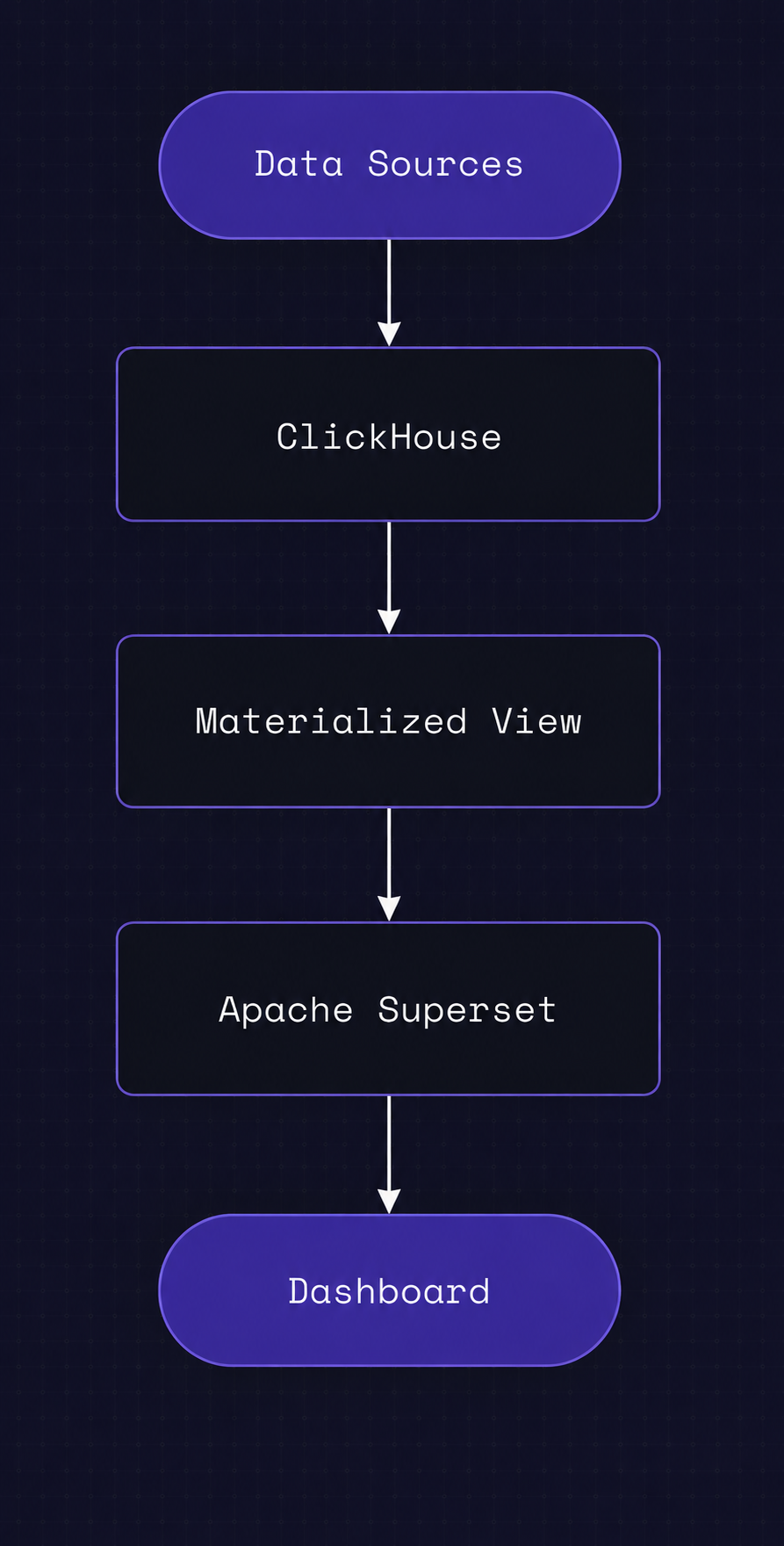
During query execution:
- ClickHouse® checks the dictionary cache.
- If the requested value exists, it is returned immediately.
- If the cache needs refreshing, ClickHouse® reloads data from the configured external source based on the dictionary's lifetime settings.
This architecture minimizes repeated network calls while maintaining relatively fresh reference data.
Creating a Dictionary from an External Source
ClickHouse® supports creating dictionaries using SQL.
A simplified example using PostgreSQL is shown below:
CREATE DICTIONARY customer_dictionary
(
    customer_id UInt64,
    customer_name String DEFAULT 'Unknown Customer',
    country String DEFAULT 'Unknown Country'
)
PRIMARY KEY customer_id
SOURCE(POSTGRESQL(
    HOST 'postgres'
    PORT 5432
    USER 'user'
    PASSWORD 'password'
    DB 'sales'
    TABLE 'customers'
))
LAYOUT(HASHED())
LIFETIME(MIN 300 MAX 600);
In this example:
- PostgreSQL acts as the source.
- The dictionary is keyed by
customer_id. - Data is stored using a hashed layout.
- The dictionary refreshes every five to ten minutes.
The exact source configuration varies depending on the external system being used.
Querying Dictionaries
Once created, dictionaries can be accessed using dedicated functions.
dictGet()
Returns a value from a dictionary.
SELECT
    customer_id,
    dictGet(
        'customer_dictionary',
        'customer_name',
        customer_id
    ) AS customer_name
FROM orders;
dictHas()
Checks whether a key exists.
SELECT
    customer_id,
    dictHas(
        'customer_dictionary',
        customer_id
    )
FROM orders;
dictGetOrDefault()
Returns a fallback value when the key does not exist.
SELECT
dictGetOrDefault(
    'customer_dictionary',
    'country',
    customer_id,
    'Unknown'
);
These functions provide a convenient alternative to traditional lookup tables.
Pro-Tip: Alternatively, you can define fallback values directly within the dictionary’s schema definition using the
DEFAULTkeyword (e.g.,country String DEFAULT 'Unknown'). If you do this, a standarddictGet()will automatically return the default value if a key is missing, keeping your runtime queries much cleaner.
Choosing the Right Dictionary Layout
The dictionary layout determines how data is stored internally.
Selecting the appropriate layout has a direct impact on memory usage and lookup performance.
HASHED()
- Fast lookups
- Suitable for unique keys
- Common default choice
CACHE()
- Loads values on demand
- Better for very large datasets
- Lower memory consumption
COMPLEX_KEY_HASHED()
Supports composite primary keys.
Useful when lookups depend on multiple columns.
RANGE_HASHED()
Designed for range-based lookups such as validity periods or time intervals.
Refresh Strategies
External data changes over time.
ClickHouse® Dictionaries provide configurable refresh intervals through the LIFETIME setting.
For example:
LIFETIME(MIN 300 MAX 600)If your external table is large, running a full reload every few minutes can put a heavy strain on your transactional database (like PostgreSQL). To optimize this, you can define an INVALIDATE_QUERY within the dictionary source configuration.
An INVALIDATE_QUERY is a lightweight query that ClickHouse runs on a schedule to see if the underlying data has altered-for example, SELECT MAX(updated_at) FROM customers. ClickHouse will only pull the full dataset into memory if the output of this query changes, saving massive amounts of network and CPU overhead.
Choosing an appropriate refresh interval requires balancing:
- Data freshness
- External system load
- Query performance
- Memory usage
Highly dynamic datasets may require shorter refresh intervals, while relatively static reference data can often be refreshed much less frequently.
Performance Considerations
Although dictionaries are extremely fast, they are not intended to replace every JOIN.
Dictionaries work best when:
- The lookup dataset is relatively small.
- Queries frequently retrieve values by key.
- Reference data changes infrequently.
- Low-latency lookups are important.
Traditional JOINs may still be preferable when:
- Large portions of both tables must be combined.
- Complex relational operations are required.
- Reference data changes continuously.
Understanding these trade-offs helps ensure the right tool is used for each workload.
Best Practices
To get the best performance from ClickHouse® Dictionaries:
- Use dictionaries primarily for reference data.
- Choose layouts that match your access patterns.
- Configure sensible refresh intervals.
- Monitor memory usage.
- Avoid storing extremely large datasets entirely in memory.
- Test dictionary performance under production-like workloads.
- Keep dictionary schemas aligned with their source systems.
Proper planning helps maximize lookup speed while minimizing operational overhead.
Common Pitfalls
While dictionaries are straightforward to use, several mistakes appear frequently in production environments.
Using Dictionaries for Large Fact Tables
Dictionaries are intended for lookup data rather than massive transactional datasets.
Refreshing Too Frequently
Aggressive refresh intervals can increase load on external systems without providing meaningful benefits.
Choosing the Wrong Layout
Using a cache layout for frequently accessed small datasets-or using a hashed layout for massive datasets-can negatively impact performance.
Ignoring Memory Consumption
Hashed layouts offer excellent performance but may consume significant memory for large datasets.
Understanding these trade-offs helps avoid unexpected performance issues.
When Should You Use Dictionaries Instead of JOINs?
A simple rule of thumb is:
Use Dictionaries when:
- Looking up customer names
- Country information
- Product metadata
- Configuration values
- Currency exchange rates
- Small reference datasets
Use JOINs when:
- Combining large transactional datasets
- Performing relational analysis
- Working with changing relationships
- Executing complex analytical queries
Selecting the appropriate approach often results in simpler queries and faster execution.
Conclusion
ClickHouse® Dictionaries are one of the most powerful yet underutilized features available for analytical workloads.
By connecting directly to external data sources such as PostgreSQL, MySQL, HTTP services, Redis, and even other ClickHouse® instances, dictionaries provide an efficient way to enrich analytical queries without relying on expensive JOIN operations.
When combined with the appropriate dictionary layout, sensible refresh strategies, and proper data modeling, they can significantly improve query performance while simplifying application logic.
As your analytical systems grow, understanding when and how to use external dictionaries becomes an important part of building scalable, high-performance data platforms.